7 Best Real Estate Video Apps Realtors Use to Create Pro Listings

Summarize with AI



The best real estate video apps have become a core operational tool for modern agents who need speed, consistency, and professional output without relying on external production. In 2026, realtors are using video-first listing strategies to shorten marketing cycles and improve listing visibility across social and MLS platforms.
Property video is no longer treated as premium content reserved for luxury homes. It is increasingly viewed as a baseline expectation in competitive markets. Buyers engage longer with motion-based listings, and sellers now expect agents to present a video marketing plan during listing appointments.
This article examines the best real estate video apps realtors are actively using to produce listing videos in minutes. The focus is not on creative experimentation, but on execution speed, workflow efficiency, and repeatable results.
Streamline your listing videos using AutoReel built for realtors.
What Are Real Estate Video Apps and Why Realtors Need Them in 2026
A real estate video app is a software solution designed to convert property assets such as listing photos, short clips, and address data into formatted video outputs. These tools are purpose-built for real estate workflows rather than general content creation.
In 2026, realtors operate under tighter listing timelines and higher seller expectations. Traditional video production introduces friction through scheduling, filming, editing, and delivery delays. Video apps remove those bottlenecks.
Key functional characteristics include:
- Automated sequencing of listing photos
- Preset transitions optimized for property marketing
- Output formats aligned with social platforms and MLS guidelines
- Minimal learning curve for non editors
From a strategic perspective, video apps support consistent publishing. That consistency directly impacts video marketing for realtors by allowing agents to maintain visibility without escalating production costs.
For teams and solo agents alike, a real estate video editing app is no longer a marketing accessory. It functions as a productivity tool that shortens listing launch cycles and standardizes presentation quality.
7 Best Real Estate Video Apps Realtors Use
The real estate video apps below are selected based on how effectively they support active listing workflows. These tools are used by realtors to convert property assets into video quickly, maintain consistent presentation quality, and reduce production delays. Each app serves a different operational need, from automation-focused listing videos to hands-on editing for branded content.
AutoReel
AutoReel is purpose-built for real estate professionals who need the listing videos produced quickly and consistently without filming. Unlike general video tools, AutoReel focuses on structured real estate workflows, converting listing photos into polished videos optimized for social platforms.
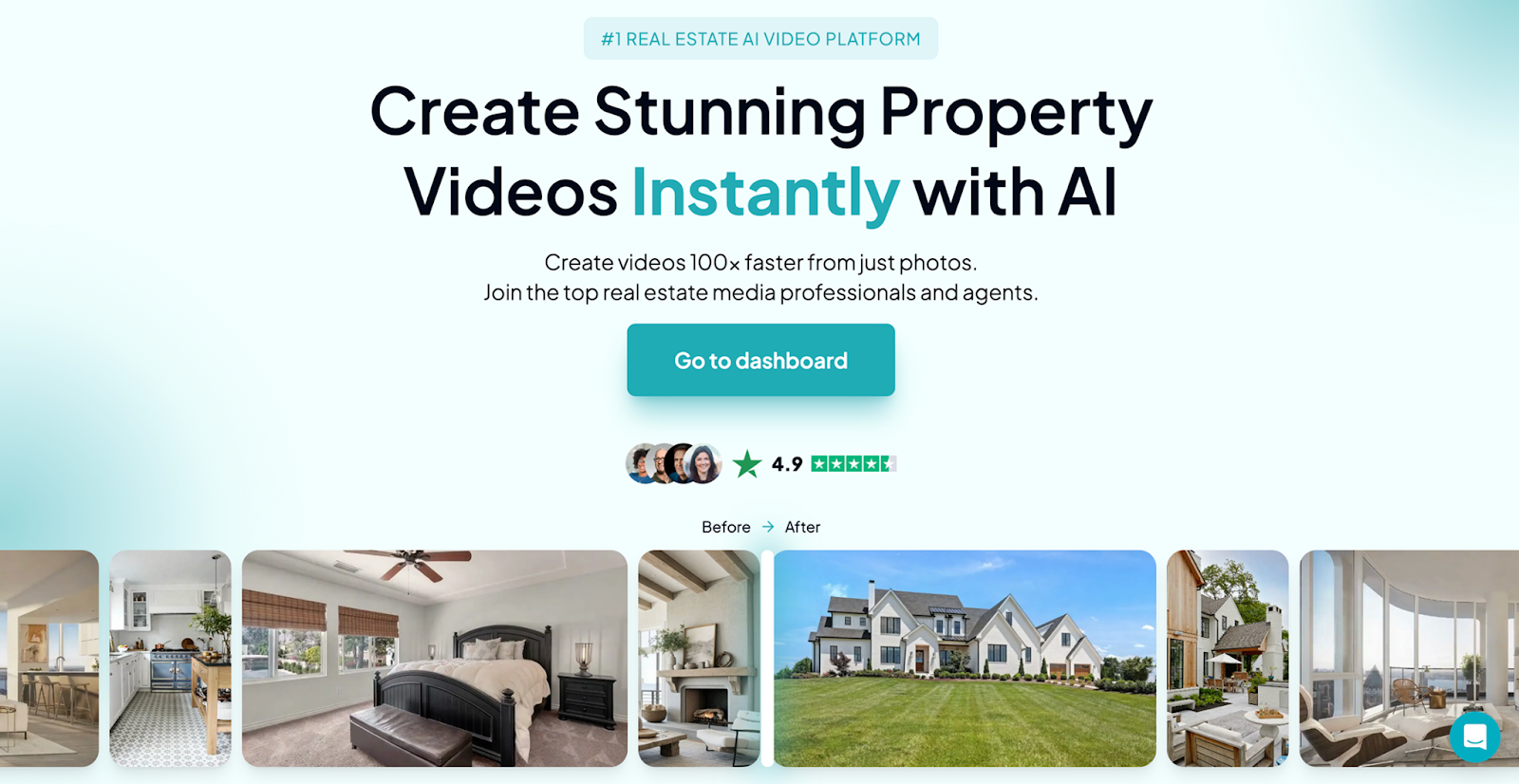
From an operational standpoint, AutoReel functions more like a listing engine than a traditional real estate video editing app. Realtors upload property photos, select a presentation style, and generate a ready-to-publish video in a short timeframe.
Key functional advantages include:
- Automated sequencing of listing photos
- Real estate specific transitions and pacing
- Outputs optimized for short form social video
- Minimal manual editing requirements
For agents handling multiple listings, this level of automation supports scalable video marketing for realtors. It reduces dependency on external videographers while maintaining professional output standards.
AutoReel is best suited for realtors who value speed, repeatability, and predictable results across listings rather than custom editing control.
Canva
Canva is a general-purpose design platform that many realtors adapt as a real estate video app for basic listing content. It offers pre-built video templates and drag-and-drop editing, making it accessible to non-technical users.
While not designed specifically for property marketing, Canva is commonly used for:
- Listing announcement videos
- Branded social media posts
- Short promotional clips
Operational considerations include:
- Manual placement of photos and text
- Branding flexibility through templates
- Slower production compared to automated tools
Because Canva requires hands-on editing, it functions more as a creative tool than a workflow accelerator. Realtors using Canva typically prioritize brand control over speed.
It works best for agents producing occasional videos rather than high-volume listing output.
CapCut
CapCut is a mobile-first video editing application used by realtors who want greater control over pacing, music, and transitions. It is not a dedicated real estate video app, but it is frequently used for short form property videos.
From a technical perspective, CapCut offers:
- Timeline-based editing
- Audio syncing and text overlays
- Vertical video optimization
However, every video must be assembled manually. This increases production time and introduces variability in output quality.
CapCut is most suitable for agents who are comfortable editing and want creative flexibility for video marketing for realtors on platforms like Instagram and YouTube Shorts.
Adobe Premiere Rush
Adobe Premiere Rush is a simplified editing tool within the Adobe ecosystem. Realtors already using Adobe products often rely on it as a real estate video editing app for lightweight projects.
Its strengths include:
- Cross-device editing
- Preset export formats
- Basic color and audio tools
That said, it is not optimized for listing workflows. Videos require manual assembly and formatting, which limits efficiency for active agents.
Premiere Rush is best for realtors who value ecosystem integration over automation.
InShot
InShot is a popular mobile video app used by agents who prefer editing directly on their phone. It supports fast trimming, text overlays, and music, making it suitable for quick listing clips.
Common use cases include:
- Walkthrough snippets
- Social media teasers
- Property highlight reels
As a real estate video app, InShot trades speed for simplicity. Output quality depends heavily on user skill, and production time increases with customization.
It works well for agents producing informal video content rather than standardized listing videos.
LumaFusion
LumaFusion is a professional-grade mobile editor sometimes used by realtors seeking advanced control. It supports multi-track timelines and detailed edits.
While powerful, it introduces complexity:
- Steeper learning curve
- Longer editing time
- Not listing-specific
This makes it less practical for routine listings but viable for agents producing premium content occasionally.
Built-in Smartphone Video Editors
Built-in smartphone video editors are commonly used by realtors for basic video tasks such as trimming clips and exporting short videos directly from their devices. These tools are convenient and require no additional software, making them accessible for quick, one-off edits.
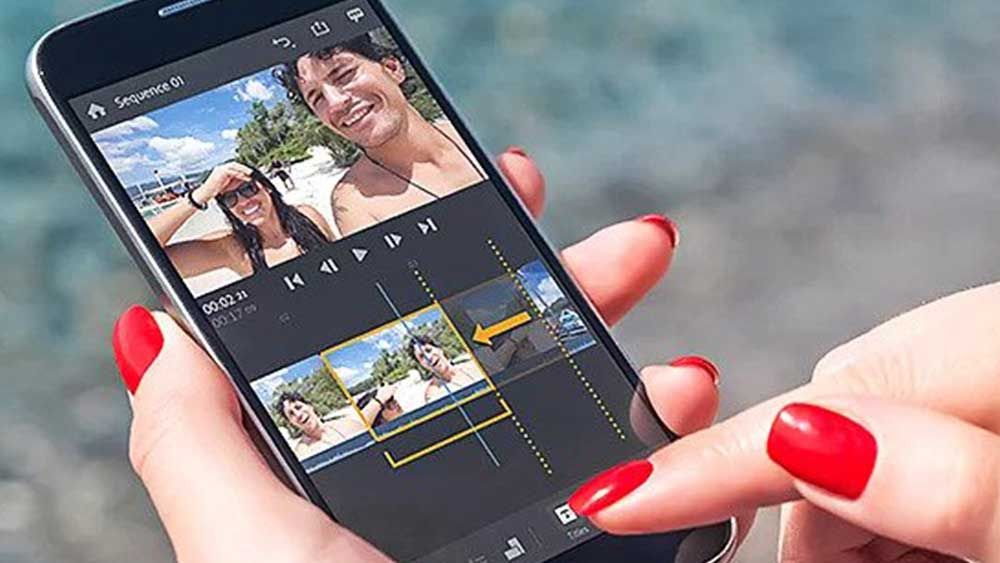
However, their functionality is limited for professional listing marketing.
Key limitations include:
- Minimal branding and formatting control
- No automation for repeatable listing videos
- Inconsistent output quality across properties
As a result, built-in editors function primarily as temporary solutions. They are not designed to scale and are insufficient for sustained video marketing for realtors who need consistency, speed, and professional presentation across multiple listings.
How Realtors Evaluate and Use Real Estate Video Apps
Real estate video apps included in this guide were assessed through a strictly realtor-focused lens. General video editing capability alone was not considered sufficient. The emphasis was on operational relevance and how well each tool supports real-world listing workflows.
Rather than feature volume, this selection focused on execution efficiency, consistency, and scalability across active inventories.
How We Chose the Best Real Estate Video Apps
Each real estate video app was evaluated using criteria that reflect how agents actually work.
Primary evaluation factors included:
- Time required to produce a complete listing video
- Automation level versus manual editing
- Consistency of output quality across listings
- Compatibility with common realtor distribution channels
- Ability to scale across multiple active listings
Tools that required extensive customization or advanced editing skills were deprioritized. Repeatability was a key requirement, with preference given to apps that support consistent execution with minimal variation.
How Realtors Use Video Apps for Listing Marketing
Realtors use video apps across multiple stages of the listing lifecycle. While listing videos remain the primary use case, adoption extends into broader marketing activity.
Common applications include:
- Listing launch videos published at activation
- Short-form social media clips
- Seller update previews
- Team and brand content tied to active listings
By enabling same-day publishing, video apps support video marketing for realtors through increased posting frequency and improved visibility. These tools are designed to deliver speed, reach, and consistency rather than replace high-end cinematic production.
Time and Cost Differences Between Video Approaches
Traditional property video production involves multiple cost centers. Filming, editing, scheduling, and revisions all contribute to higher expenses and longer timelines.
In contrast, a real estate video app consolidates production into a single workflow controlled by the agent or photographer.
From an ROI perspective, many photographers and agents use app-generated videos as an upsell. Because production time is limited, margins remain high.
Time savings are equally significant. Instead of waiting days for delivery, agents publish videos the same day a listing goes live. That speed directly impacts early listing momentum.
How Realtors Choose the Right Video App
Selecting the right real estate video app starts with understanding how video fits into your existing listing process. There is no universal best option. The right choice depends on operational priorities, listing volume, and how much time can realistically be allocated to content creation.
A real estate video editing app should simplify production and support consistency. If a tool introduces friction, extended setup time, or unnecessary decision-making, it works against its intended purpose.
Key Factors Realtors Should Evaluate
Before committing to any platform, agents should assess the following variables:
- Listing volume per monthHigher volume requires faster, repeatable workflows rather than manual editing.
- Desired level of automationSome agents prefer hands-off systems, while others want creative control.
- Branding and presentation requirementsTeam environments often require standardized output across listings.
- Internal time availabilityTime spent editing is time not spent prospecting or servicing clients.
Solo agents often benefit from automation-focused tools that minimize manual input. Teams with marketing support may tolerate more complexity in exchange for customization.
Why AutoReel Fits Most Realtor Workflows
AutoReel aligns well with how modern realtors operate because it prioritizes execution speed and consistency over manual control. It is designed to integrate directly into listing workflows rather than sit alongside them.
From a practical standpoint, AutoReel works best when:
- Listings need to go live quickly with video included
- Agents want predictable output quality across properties
- Video creation must scale without increasing workload
By reducing production steps and decision fatigue, AutoReel supports efficient video marketing for realtors without adding operational overhead.
The most effective real estate video app is the one that fits naturally into how listings are already being marketed.
Create professional listing videos faster with AutoReel today.
Video Marketing That Keeps Pace With Modern Listings
Real estate video has shifted from a competitive advantage to a baseline expectation. The best real estate video apps enable realtors to produce professional listing videos without slowing down their workflow.
By choosing tools that prioritize speed, consistency, and operational fit, agents can publish video at listing launch, maintain visibility across platforms, and support scalable video marketing as their inventory grows.
Produce consistent real estate videos in minutes with AutoReel.
Frequently Asked Questions
1. What makes a real estate video app different from regular video editors?
A real estate video app is built for listing workflows, not open-ended creativity. It emphasizes automation, preset layouts, and fast production using property photos and details, whereas general video editors require manual editing, timeline control, and more technical decision-making.
2. Are real estate video apps suitable for high volume agents?
Yes. Real estate video apps are designed for scale and repeatability. High-volume agents can produce consistent, branded listing videos quickly without increasing workload per property, making them ideal for managing multiple listings while maintaining steady marketing output.
3. Do real estate video apps replace professional videographers?
Not entirely. These apps work best for standard listings focused on speed and efficiency. Professional videographers remain important for luxury or flagship properties where cinematic visuals, storytelling, and custom production quality play a stronger marketing role.
4. How long does it take to create a listing video using an app?
Most agents can produce a full listing video in 10 to 30 minutes. Time depends on the app’s automation level, number of photos, branding inputs, and any custom text, but overall production is much faster than traditional editing.
5. Are these apps effective for video marketing for realtors?
Yes. Real estate video apps are well suited for realtor marketing because they generate short, platform-ready videos designed for social feeds. This supports frequent posting, consistent branding, and better visibility across digital channels where buyers spend time.
6. Can photographers use real estate video apps for client listings?
Yes. Many photographers use these apps to offer video add-ons. Since creation time is short and assets already exist, they can deliver extra value to clients while keeping production costs low and improving overall service margins.
7. Do real estate video apps require technical editing skills?
No. Most apps target non-editors and use templates, guided steps, and automated formatting. Users upload images, enter property information, and export without working on complex timelines, effects, or advanced editing tools.
8. Are free video apps effective for real estate listings?
Free apps can handle basic content but often need more manual work and offer fewer listing-focused features. Paid real estate video apps typically save time, ensure consistency, and provide outputs better aligned with property marketing needs.
9. How should realtors choose the right real estate video app?
Realtors should evaluate listing volume, time availability, automation features, branding control, and workflow compatibility. The right app fits smoothly into existing marketing processes while enabling fast, repeatable video production without adding operational complexity.