How AI Virtual Staging Handles Small and Awkward Rooms

Summarize with AI


Small bedrooms. Choppy layouts. Rooms with an angle nobody asked for. These are the listings that photographers quietly dread, because furniture never fits the way it does in a showroom photo, and one wrong staging choice makes a small room look even smaller.
AI virtual staging fixes that by scaling and placing furniture to match a room's real proportions instead of dropping in generic pieces sized for an average space.
Get it right, and a 9x10 bedroom or a lopsided living room looks intentional, not cramped. Get it wrong, and you've basically crammed a furniture showroom into a closet.
Here's what actually works when you're staging small or awkward spaces, and how a real estate AI video tool like AutoReel handles the details that trip up both human stagers and older staging software.
Why Small Rooms Trip Up Traditional Staging
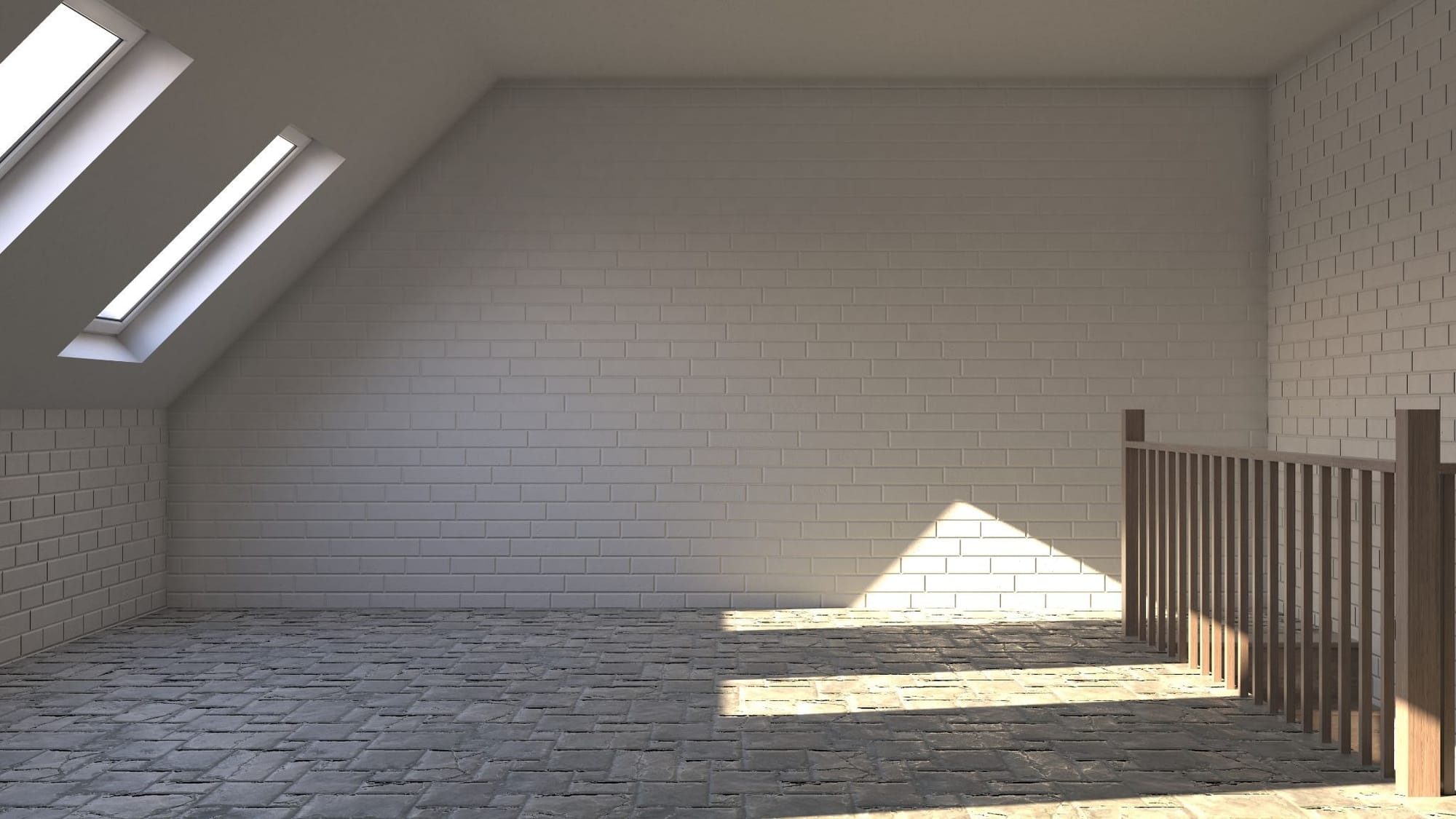
Physical staging companies skip small rooms all the time. Moving a full bedroom set into a 100-square-foot room just isn't practical, so the room either stays empty or gets half-heartedly furnished. Buyers notice an empty room in listing photos, and it tends to read as smaller and less valuable than it is.
Older virtual staging tools run into the same wall. A lot of them pull from one fixed furniture library sized for standard rooms, so a queen bed and two nightstands get pasted into a tiny bedroom whether or not they'd ever fit in real life. It looks staged. It doesn't look real. Buyers can tell.
Awkward layouts make it worse. A sloped ceiling, an off-center window, a support column smack in the middle of the floor, that's exactly the stuff that confuses staging tools built only for rectangular rooms with straight walls.
How AI Virtual Staging Actually "Sees" a Small Room
AutoReel's virtual staging tool reads the perspective lines in each uploaded photo and sizes furniture to the room's actual dimensions rather than a generic template, which is why furniture placed in a small bedroom ends up looking proportional instead of oversized.
This is also where photo quality earns its keep. A wide-angle photo shot from the doorway gives the AI more depth information to work with than a tight, cropped shot, so photographers who frame small rooms carefully get noticeably better staging results.
So What's Actually Happening Behind the Scenes?
Here's the part most agents never think about: AI virtual staging isn't one step, it's two.
- Step 1: The AI has to "read" the room. It looks at the photo and works out the walls, the floor, the windows, the camera angle, where the light is coming from, roughly how big the space actually is. This is the unglamorous part nobody sees, but it's the part that decides whether the final image looks real or looks off.
- Step 2: Once it understands the room, it generates furniture that actually belongs there, matched in scale, shadow, and perspective to what it just mapped out. This is the part that gets all the attention because it's the part you can see.
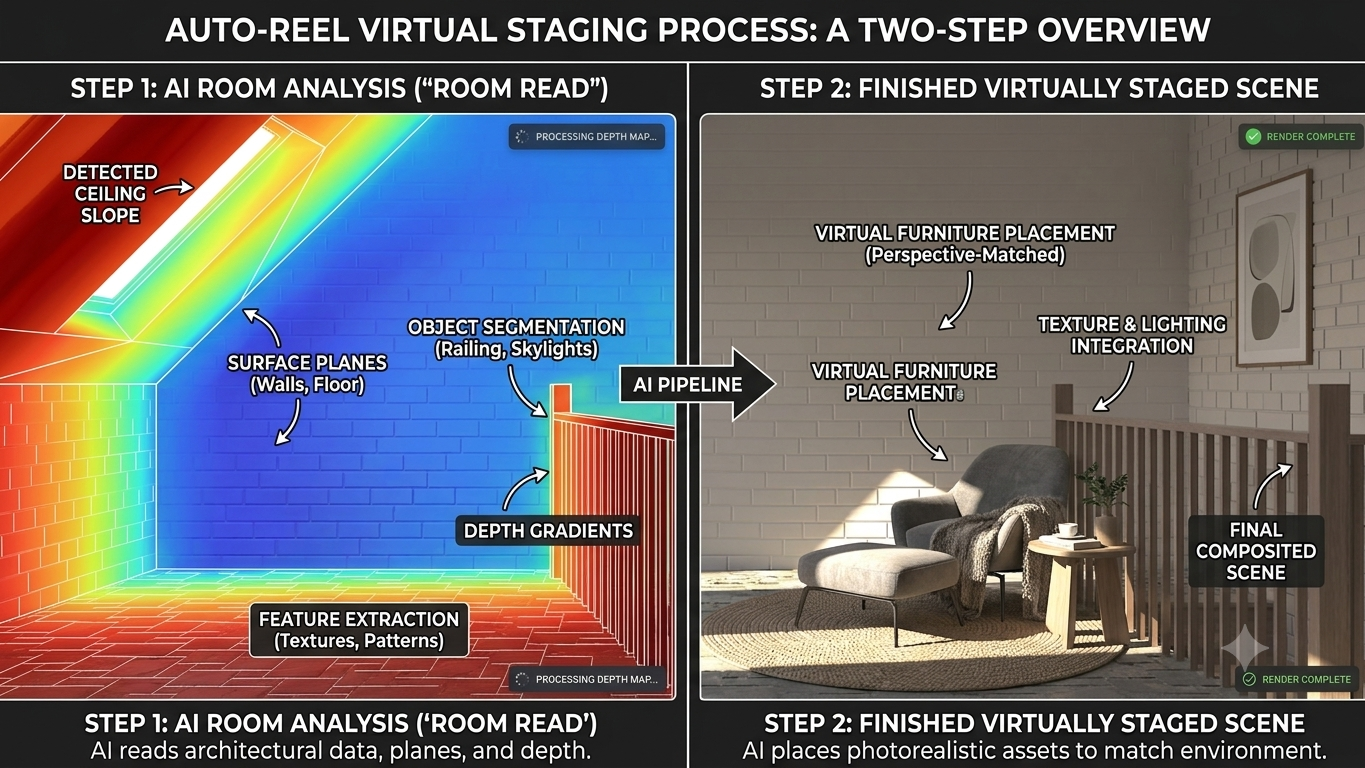
Small and awkward rooms are the ultimate stress test for step one.
In a big open living room, a small miscalculation barely registers. In a 9x10 bedroom, a chair that's a few inches too tall or a shadow falling the wrong direction sticks out immediately. There's actually less room to hide a mistake.
You can usually tell when step one went wrong before you even think about the decor: a nightstand slightly too big for the wall, a rug that seems to float instead of sit flat, light hitting one side of the room while the shadows fall on the other. None of that is a styling problem. It's a geometry problem, and it shows up more in tight spaces than anywhere else.
The good news is you don't need to understand any of this to get a good result. Just give the AI a decent photo to work from, ideally a wider shot from the doorway rather than a tight crop. More of the room in frame means more information to get the geometry right the first time.
Fixing Odd-Shaped and Awkward Layouts
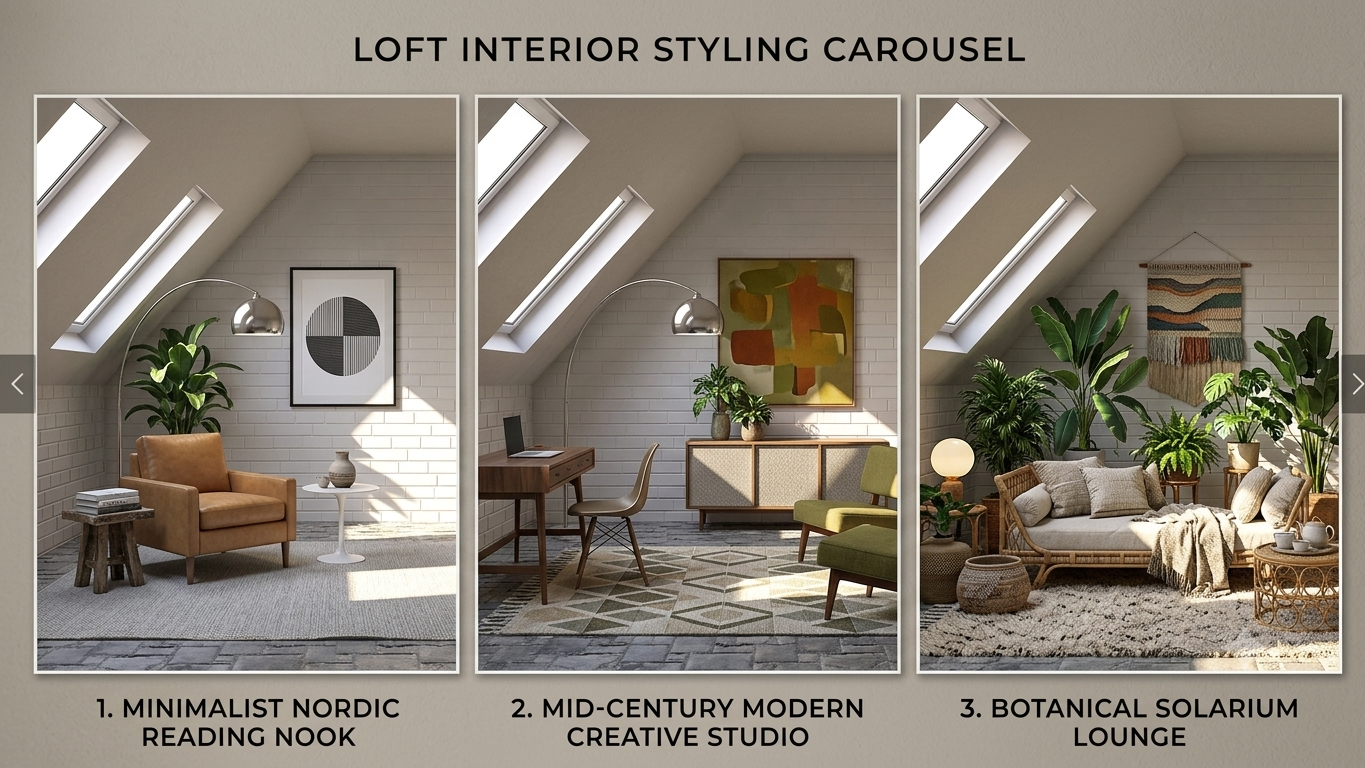
Odd-shaped rooms, angled walls, exposed beams, converted attics, this is where AI staging really earns its keep, because rearranging actual furniture to fit a weird footprint is expensive and slow, and most stagers won't bother for one room.
Start with furniture that follows the room's shape instead of fighting it. A sectional or bench cut to fit an angled wall reads as custom-built. A standard rectangular sofa jammed into the same corner reads as an afterthought, because it is one.
Got a support column, a low ceiling section, or a doorway in a strange spot? Try splitting the room into zones instead of forcing one furniture set to cover everything. Turn a leftover corner into a little reading nook instead of pretending it's part of the main seating area. Buyers respond better to a layout that has a reason behind it.
The nice part about doing this virtually is you get to cheat. Stage the same awkward room three different ways, in three different styles, and let the agent pick whichever version photographs best. Try doing that with real furniture and a moving truck.
Staging Tiny Living Rooms for Big Impact
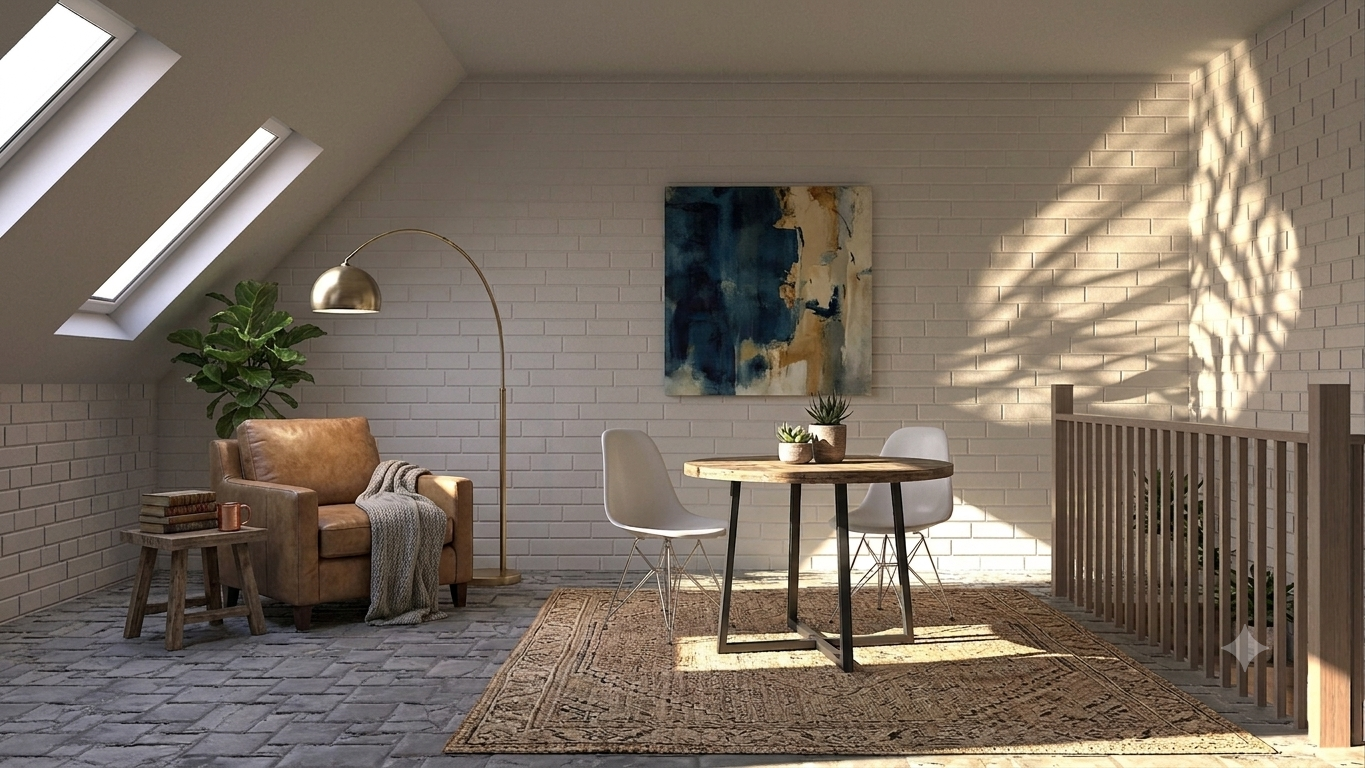
Tiny living rooms need furniture that pulls double duty. Think loveseat instead of a full sofa, a nesting coffee table instead of one fixed piece, open shelving instead of a chunky media console. Everything reads "small but livable" instead of "cramped."
Sightlines matter more here than almost anywhere else in the house. If the path from the entry to the main window stays clear in the staged photo, the room feels bigger even though the square footage never changed.
Color and light do a surprising amount of work too. Lighter furniture tones, plus a staging edit that leans into the natural light instead of piling on dark accent pieces, is one of the fastest ways to make a small room photograph bigger than it actually is.
How Accurate Is AI Staging in Tight Spaces?
Accuracy is the real test in small rooms, because there's zero margin for error in a 10x10 space the way there is in an open-concept great room.
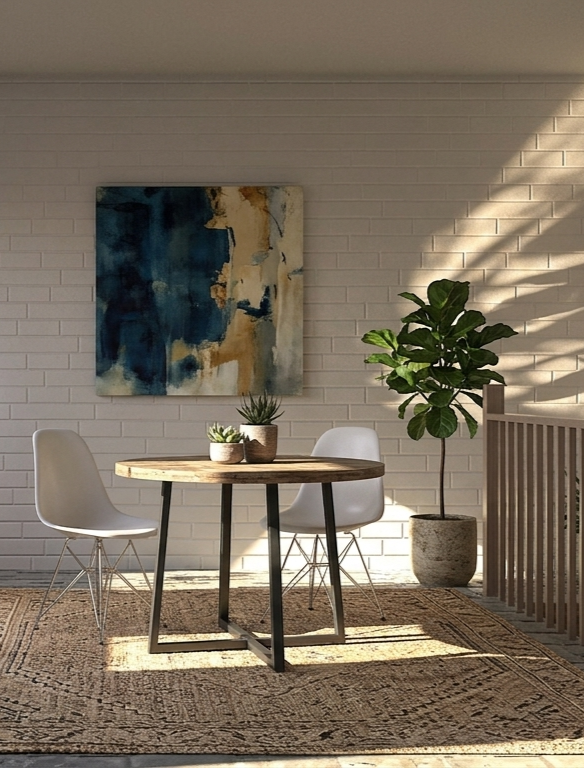
The tells to watch for: furniture clipping through a wall, a chair that looks like it's floating instead of sitting on the floor, or a piece placed right in front of a window or near a door or passway, blocking the path or light from the window.
These mistakes exist in bigger rooms too, they're just easier to spot when the room is small and there's nowhere for them to hide.
AutoReel's staging model is trained specifically on real estate interiors rather than generic interior design photos, which is a big reason it holds up better on odd angles and tight crops than tools built for broader design use.
Still, it's worth a quick gut check on any AI-staged small room before it goes live. A few seconds comparing wall lines and window placement against the original photo catches the rare miss before a buyer does.
What's Included When You Stage With AutoReel
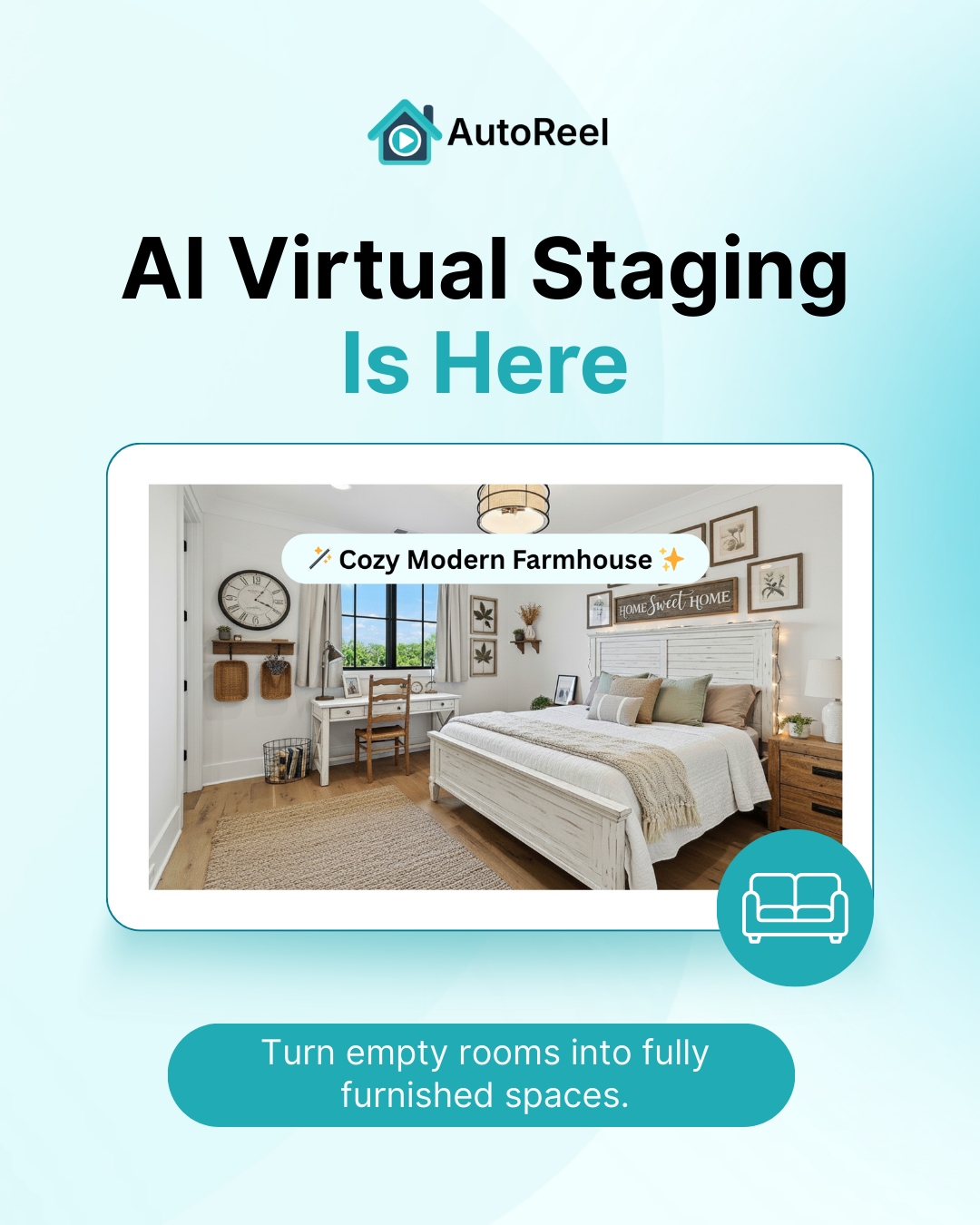
AutoReel is built as a full photo-to-video platform for real estate, not a bundle of separate add-ons. Photo enhancements, virtual staging, AI avatars, voiceovers, and the built-in Studio editor all come standard on every plan. You're not buying a staging tool and a video tool and hoping they talk to each other.
That means staging a small or awkward room doesn't require a special upgrade or a separate purchase. It's already part of your plan, with a set number of AI photo edits included each month to cover staging along with other listing photo enhancements. Run through a batch of awkward rooms on one listing and you're just using what's already included.
If a listing needs more staged rooms than your monthly allowance covers, extra credits are available at a lower per-image rate rather than pushing you into a bigger tier. No markup stacked on top, no separate staging subscription. You just top up as needed.
For anyone juggling several small-room listings a month, that setup, generous edits built into the plan plus cheap top-ups when you need them, tends to beat both hiring a stager per room and subscribing to a staging-only tool with hard caps.
The Bottom Line
Small and awkward rooms don't have to be the weak point in a listing.
AI virtual staging that actually understands a room's real dimensions, instead of pasting in generic furniture and hoping for the best, turns a cramped bedroom or an oddly angled living room into a photo that sells the space instead of apologizing for it.
The tools worth using are the ones that get the geometry right before they get to the decorating, offer more than one layout option for tricky rooms, and make it easy to double check accuracy before you publish. AutoReel's virtual staging is built around exactly that, and it lives inside the same platform agents already use to turn listing photos into full property videos.
If this is your first time staging a small or awkward room with AI, the 7 day AutoReel trial plan is a low-friction way to try it on your own listing photos before you commit to anything.
FAQs
Does AI virtual staging work on rooms smaller than 100 square feet?
Yes, though a lot depends on the photo you feed it. A wider shot taken from the doorway gives the AI more of the room to read, which usually means more accurately scaled furniture in a very small space.
Can AI staging fix an awkward layout, or does it just add furniture on top?
A good AI staging tool reads the room's angles, ceiling slopes, and obstructions like support columns before it places anything, so the layout itself shapes what gets staged and where. It's not just furniture pasted over a flat photo.
Will virtual staging make a small room look bigger in photos?
It can, when the furniture is scaled right and the sightlines stay open. Go the other way, oversized or overly dark pieces, and you get the opposite effect. Scale and color choice matter more in small rooms than in big ones.
How many photos can I stage before I hit a plan limit?
It depends on your plan. On AutoReel monthly billing, Essential includes 15 AI photo edits, Growth includes 80, and Pro includes 200 (annual plans scale up to 125, 800, and 2,000 per year on those same tiers). Staging counts against that same photo-edit allowance. Once you use it up, extra credits are available at a low added cost.
Is AI-staged furniture disclosed to buyers?
Most MLS boards require a disclosure that staging is virtual rather than physical, the same way the industry already handles virtually staged listing photos. Check your local MLS rules before publishing, since disclosure requirements vary by market.
Does virtual staging work as well on odd-shaped rooms as it does on standard ones?
It can, as long as the AI model was trained on real estate interiors rather than generic interior design imagery. Odd angles, alcoves, and low ceilings are exactly where staging tools built for standard rooms tend to fall apart.
Sources