How to Create a Real Estate Video From Photos Using AutoReel (2026)

Summarize with AI


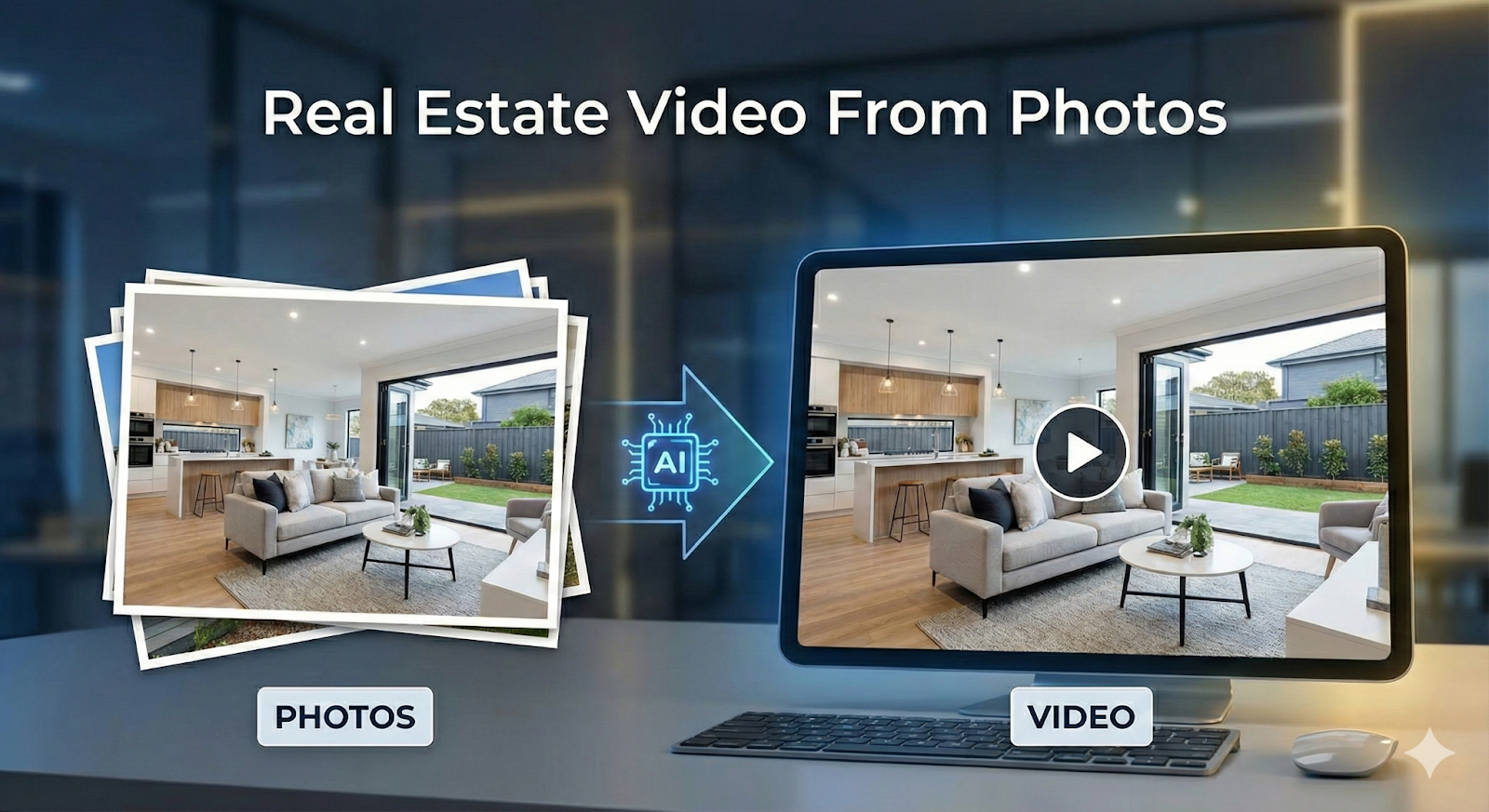
An AI real estate video editor is like a magic wand. In case you don’t agree, you will soon.
Do you remember that cumbersome and expensive process of shooting for a video of a real estate property. It would consume nearly a day. Then there would be so many people and equipment involved in the process. The costs of it add up so much that only posh properties qualify for a video.
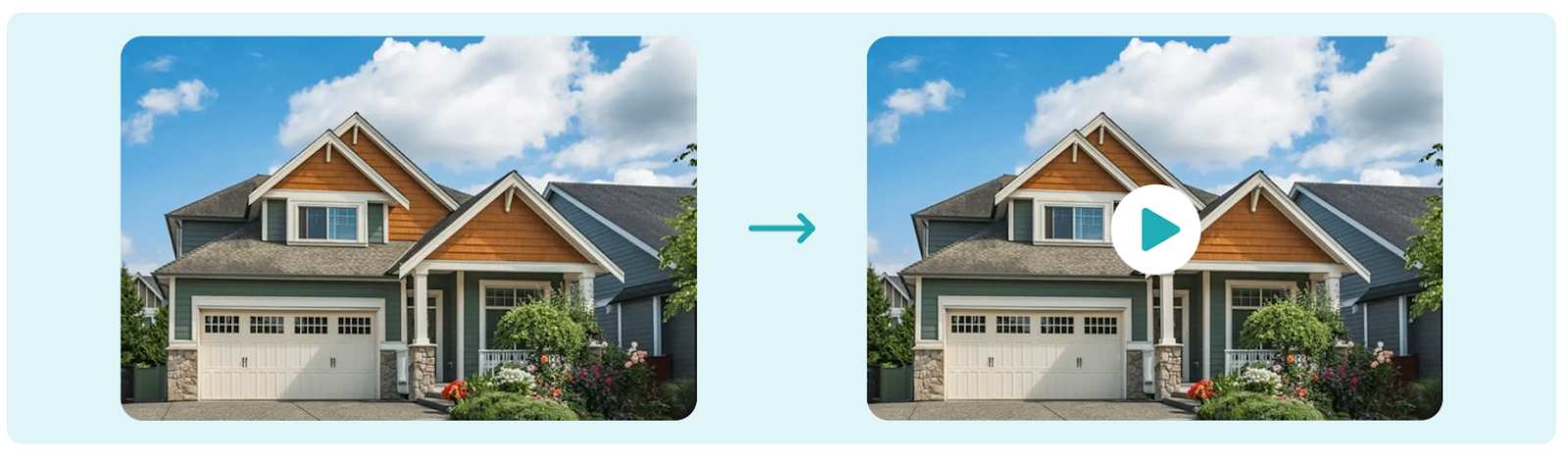
All of it is now changing. With the assistance of an AI real estate video editor, a photographer transforms into a magician. And, photos can be made into videos, churned smoothly and rendered in minutes. Digital products for real estate agents reduce production time while transforming existing photos into scalable, repeatable video assets.
In this guide, you’ll learn how to make AI video from photos using AutoReel, an AI video editor for real estate built specifically for modern listing workflows. The focus is on using existing listing photos to create clear, structured videos through AI photo to video technology, without filming, manual editing, or unnecessary complexity.
Explore AutoReel plans designed for agents, photographers, and media teams.
What is AI Real Estate Video From Photos?
Filmed walkthroughs can be effective, but they are not always practical for everyday listings. They require additional scheduling, on-site access, camera setup, and post-production work. In many common real estate scenarios, these requirements introduce delays or added costs that are difficult to justify, especially when speed and consistency matter.
This is where an AI video editor for real estate offers a practical alternative. Instead of filming, AI photo to video technology converts existing listing photos into structured videos that reflect how buyers naturally experience a property. This approach allows professionals to create an AI real estate video efficiently, without disrupting established workflows. Digital products for real estate agents enable photo-based video creation without disrupting established listing or photography workflows.
Important characteristics of AI photo-to-video include:
- Photos are sequenced to reflect a natural property walkthrough
- Layout and room relationships are easy to understand
- Pacing avoids rushed transitions or lingering frames
- Visual flow remains smooth and consistent throughout
- Text stays readable across listings, email, and social platforms
By focusing on structure and clarity, this approach makes it easy to create a professional real estate video from photos without filming, supporting efficient and consistent video production at scale.
Why Create Real Estate Videos From Photos
Photo-based video provides a practical alternative when filming is not feasible in everyday real estate workflows. While filmed walkthroughs require additional scheduling, on-site time, and post-production, AI photo to video tools allow professionals to quickly create a clear real estate video from photos, preserving speed and efficiency without returning to the property.
Photo-to-video works best in these situations:
- Listings that have already been photographed and need video added quickly
- High-volume workflows where filming every property is impractical
- Routine residential listings where clarity matters more than cinematic production
- Tight timelines that do not allow for additional on-site visits
- Teams seeking consistent video output without added editing complexity
Digital products for real estate agents make video a standard deliverable rather than an optional, high-effort marketing add-on. Photo-based video should be viewed as a complementary format rather than a replacement for filmed walkthroughs. Filmed video still serves premium and brand-focused listings, while an AI video editor for real estate fills the gap where speed, consistency, and practicality matter most.
Explore AutoReel plans and make real estate video part of your standard workflow.
How AutoReel Converts Photos Into Video
AutoReel is an AI video editor for real estate. It is designed to convert listing photos into a structured real estate video. Photos are uploaded as a complete set, and the system automatically organizes them into a walkthrough-style sequence based on how buyers typically experience a home. This removes the need for manual timelines or editing decisions.
Images are arranged to reflect a natural flow through the property rather than a stitched photo gallery. Pacing is controlled so each space is shown long enough to understand without slowing the video, resulting in a clear and professional AI real estate video created entirely from photos. Digital tools for real estate agents automate sequencing and pacing decisions, eliminating manual timelines and subjective editing choices.
How AutoReel converts photos into video:
- Sequences the full photo set into a natural walkthrough order
- Controls pacing so each space is easy to follow
- Maintains smooth visual flow instead of a photo slideshow
- Delivers platform-ready videos for listings, email, and social media
By using a structured AI photo to video approach, AutoReel makes it easy to create a reliable real estate video from photos without extra editing steps or unpredictable results.
Step-by-Step: How to Make AI Video From Photos
Understanding how to make AI video from photos starts with using a structured and efficient process. The goal is not creative experimentation, but producing a clear, professional real estate video that accurately reflects the property and fits seamlessly into existing listing workflows. Digital tools for real estate agents prioritize structure and efficiency over creative experimentation in everyday listing workflows.
Each step supports quality, pacing, and consistency.
Step 1: Prepare Your Real Estate Photos
Before uploading, review the full photo set carefully. Images should be well-lit, properly exposed, and representative of the entire property. Include essential areas such as the exterior, main living spaces, kitchen, bedrooms, and bathrooms.
Remove duplicate images or shots with nearly identical angles, as redundancy can disrupt pacing and make the final real estate video from photos feel rushed. Fewer, higher-quality images typically produce better results and give the AI cleaner inputs to work with.
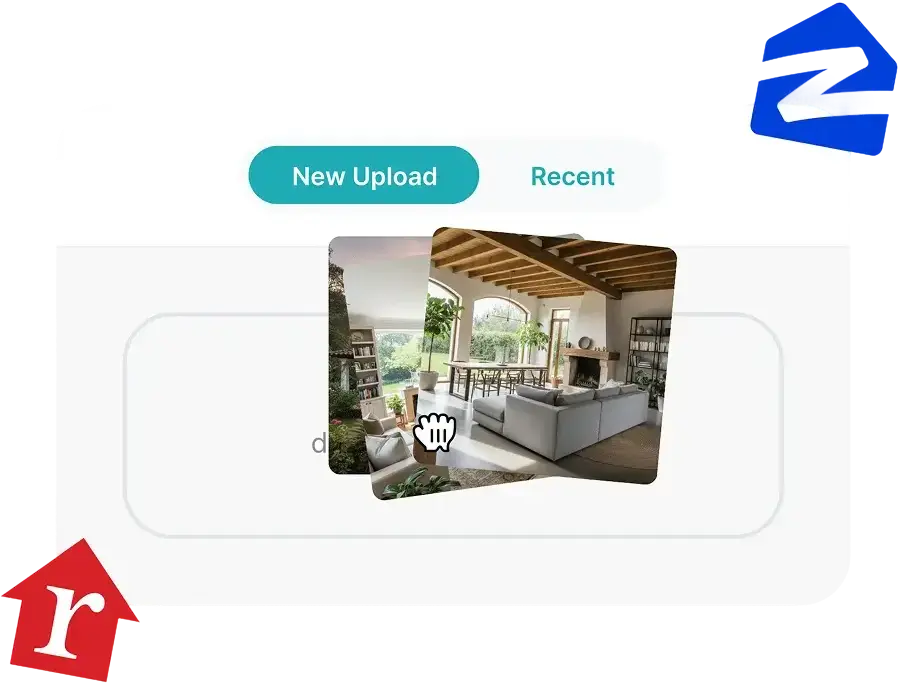
Step 2: Upload Photos Into AutoReel
Once uploaded, AutoReel processes photos as a complete set rather than individual files. The AI video editor for real estate analyzes image content and automatically sequences photos based on how buyers typically move through a home.
This automated workflow is a key part of how to make AI video from photos efficiently, removing the need for manual timelines or transitions while producing a structured walkthrough.
Step 3: Choose Video Length and Format
Most AI real estate video content created from photos performs best at around thirty seconds. Shorter videos maintain viewer attention and work well across listing pages, email campaigns, and social platforms. Longer formats can be used when additional context is required, but clarity should always take priority over duration.
Step 4: Review and Finalize the Video
Before exporting, review the video to confirm photo order, pacing, and text readability. Ensure the final output accurately represents the property and meets professional standards. Human review remains essential for maintaining accuracy, consistency, and trust.
When professionals use an AI video editor for real estate with a structured process, creating AI videos from photos becomes reliable and scalable, supporting faster listing launches within modern real estate workflows.
.
Choosing the Right Photo Order and Structure
Photo order plays a critical role in how buyers understand a property. Even high-quality images can feel confusing when shown out of sequence, as poor ordering breaks visual flow and makes it harder to understand how rooms connect.
When photos follow a clear, natural walkthrough order, a real estate video from photos feels intuitive and easy to follow, allowing buyers to focus on evaluating the space rather than trying to reconstruct the layout.
Best practices for photo order in a real estate video from photos:
- Start with exterior or entry images to establish context and orientation
- Show main living areas early to communicate layout and flow
- Group related spaces together to reflect a natural walkthrough
- Place kitchens and bedrooms before bathrooms and secondary areas
- Maintain a logical sequence so the AI real estate video feels intuitive and easy to follow
When these principles are followed, the photo sequence aligns with buyer expectations and improves overall comprehension. Videos created with an AI video editor for real estate feel more professional, require fewer revisions, and communicate the property clearly and confidently to buyers.
See pricing for turning real estate photos into professional videos with AutoReel.
Why Photo-Based Videos Matter in Real Estate
Real estate photos highlight individual rooms, but they do not always show how a home fits together. Video adds context by illustrating how spaces relate and how the property flows as a whole, reducing the uncertainty buyers often face when trying to piece together a layout from photos alone.
This is where AI real estate video becomes valuable. By using AI photo to video technology to transform listing images into a short, walkthrough-style presentation, professionals can create a clear real estate video from photos that helps buyers understand layout and proportion earlier, making it easier to decide whether a property fits their needs before scheduling a showing. Real estate digital tools help buyers understand spatial flow earlier, reducing uncertainty before scheduling in-person showings.
For agents, this added clarity leads to:
- More qualified buyer inquiries
- Better-aligned expectations before showings
- Faster buyer decision-making
- Reduced confusion around layout and flow
- Fewer unproductive or mismatched showings
Photo-based video does not replace professional photography. Instead, it builds on existing images by adding structure and context, making listings easier to understand, compare, and evaluate.
Optimizing AI Photo-to-Video for Listings and Social Media
Optimizing photo-based video starts with understanding how and where it will be viewed. Listing platforms and social media serve different purposes, but the same video can work across both when it is built with flexibility in mind. The goal is to maximize clarity without creating multiple versions or adding extra editing work. Digital tools for real estate agents perform best when treated as professional systems rather than shortcuts or novelty software.
Step 1: Define the Primary Use Case
Before exporting a video, decide where it will be used first. Listing pages prioritize clarity and flow, while social platforms prioritize quick engagement. When this decision is clear, format and pacing choices become easier.
Most professionals optimize for listings first, then adapt for social distribution.
Step 2: Optimize Visual Readability
Text overlays should be minimal and easy to read. Avoid placing text over busy images or using excessive captions that distract from the property. The visuals should remain the focus, with text supporting understanding rather than competing for attention.
Step 3: Choose Flexible Aspect Ratios
Vertical or square formats work best on social platforms, while horizontal formats are better suited for listing pages. Choosing a format that adapts well across platforms reduces the need for re-exports.
Find a pricing plan that supports consistent, photo-based video production.
Common Mistakes When Creating AI Videos From Photos
AI photo-to-video tools simplify video creation, but results still depend on how they are used. Avoiding the mistakes below helps ensure videos remain clear, professional, and effective for real estate marketing.
- Using too many images leads to rushed pacing and viewer fatigue.
- Poor photo sequencing confuses layout and breaks visual flow.
- Excessive text or effects distract from the property itself.
- Treating AI video as a shortcut instead of a professional asset.
- Skipping review results.
When AI Photo-to-Video Works Best in Real Estate
AI photo-to-video delivers the strongest results when it is treated as a professional marketing tool and applied in the right scenarios. When used intentionally, it adds clarity and speed without compromising listing quality.
- Routine residential listings where buyers primarily need layout clarity.
- Rental and mid-range properties where speed to market is critical.
- High-volume workflows where filming every listing is impractical.
- Email campaigns where short videos improve click-through and engagement.
- Social marketing where reusable video assets increase visibility.
Real estate digital tools enable consistent video creation where filming constraints limit traditional production methods. Used in these contexts, AI photo-to-video supports consistent, scalable video production while fitting naturally into modern real estate workflows.
Get started with an AutoReel plan that fits your real estate marketing needs.
Making Photo-Based Video Part of Reliable Workflow
Photo-based video has become an essential tool for modern real estate marketing. It allows professionals to meet buyer expectations, improve clarity, and scale video production without changing how listings are captured. Real estate digital tools allow teams to scale video output without increasing headcount, timelines, or operational complexity.
When integrated into a structured workflow, AI photo-to-video becomes reliable, predictable, and effective. AutoReel provides a practical way to convert photos into professional video, helping agents and media teams deliver consistent results at scale.
Frequently Asked Questions
1. What is an AI video editor for real estate?
An AI video editor for real estate automatically converts property photos into structured listing videos by applying predefined sequencing, pacing, and formatting rules based on real estate viewing behavior. It enables agents and teams to create professional-quality videos without filming, manual editing, or complex post-production, making video creation faster and more scalable.
2. How does AI photo to video work for real estate listings?
AI photo-to-video works by analyzing a complete set of listing photos together, arranging them into a logical walkthrough sequence, controlling how long each image appears, and exporting a finished video. This removes the need for manual timeline editing while ensuring the video clearly communicates layout, flow, and spatial relationships.
3. Can I create a real estate video from photos without filming?
Yes, a real estate video can be created entirely from photos using AI tools. This approach allows agents and photographers to add video content without revisiting the property, scheduling filming, or extending production timelines, making it especially effective for fast-moving or high-volume listing workflows.
4. Is AI real estate video suitable for all types of listings?
AI real estate video is best suited for routine residential, rental, and mid-range listings where clarity and speed are priorities. While it works well for most properties, luxury or brand-focused listings may still benefit from custom filmed walkthroughs that emphasize storytelling and premium presentation.
5. How long should a real estate video from photos be?
Most real estate videos created from photos perform best at approximately thirty seconds. This length provides enough time to clearly show layout and key spaces while maintaining viewer attention across listing platforms, email campaigns, and social media channels.
6. Does AI photo-to-video replace traditional video walkthroughs?
No, AI photo-to-video does not replace traditional video walkthroughs. It complements filmed video by offering a scalable alternative for listings where filming is impractical due to time constraints, budget limitations, or restricted property access.
7. What are common mistakes when creating AI real estate videos from photos?
Common mistakes include using too many images, poor photo sequencing, excessive text or visual effects, and treating AI video as a shortcut instead of a professional deliverable. Skipping review before publishing often leads to avoidable errors that reduce clarity, credibility, and overall listing quality.
8. Do buyers respond well to real estate videos made from photos?
Yes, buyers respond positively to real estate videos made from photos because they improve understanding of layout and flow. This added clarity helps buyers evaluate properties more confidently early in the search process and decide whether a home is worth scheduling a showing.
9. Can AI real estate videos be used across listings, email, and social media?
AI real estate videos are designed to work across listing platforms, email marketing, and social media. When formatted correctly, the same video can be reused across multiple channels, improving efficiency while maintaining a consistent and professional presentation.
10. Why use AutoReel to make AI real estate videos from photos?
AutoReel is built specifically as an AI video editor for real estate, focusing on photo-to-video workflows. It delivers reliable photo sequencing, controlled pacing, and platform-ready output, enabling agents and teams to create consistent, professional real estate videos from photos without complex tools or unpredictable results.
1 How do digital products for real estate agents fit into listing marketing in 2026?
In 2026, digital products for real estate agents focus on speed, consistency, and scalability. Tools like AI video editors, listing automation platforms, and content templates replace manual workflows. These real estate digital tools allow agents to market every listing with video without filming, editing overhead, or vendor dependency.
12 Why are digital tools for real estate agents replacing traditional video workflows?
Digital tools for real estate agents reduce delays and cost friction common in traditional video production. In 2026, real estate digital tools like photo-to-video AI enable faster listing launches, consistent output, and predictable pricing, making video a standard deliverable instead of a selective marketing upgrade.
13 Is creating videos from photos considered a core real estate digital tool in 2026?
Yes. In 2026, creating videos from photos using AI is considered a core real estate digital tool. It allows agents to transform existing listing photos into structured videos quickly, supporting high-volume workflows and making digital products for real estate agents practical for everyday listings.
External Sources
- National Association of Realtors https://www.nar.realtor/research-and-statistics
- Reddit use case about AI in real estate marketing —https://www.reddit.com/r/RealEstate/comments/1gk50mu/real_estate_agent_creating_images_with_ai_for/
- AI photo-to-video tools explained for real estate marketinghttps://www.cloudpano.com/blog/the-future-of-real-estate-marketing-ai-photo-to-video-technology-explained
- Photo-to-video AI’s impact on real estate marketing —https://www.cloudpano.com/blog/why-photo-to-video-ai-is-a-game-changer-for-real-estate-marketing
- AutoReel example video demo on YouTube — https://www.youtube.com/watch?v=--UJBR0HBVk
Industry overview of AI photo-to-video software necessity — https://www.cloudpano.com/blog/why-every-real-estate-professional-needs-ai-photo-to-video-software