How to Make a Real Estate Video Without a Camera Using AI Images

Summarize with AI


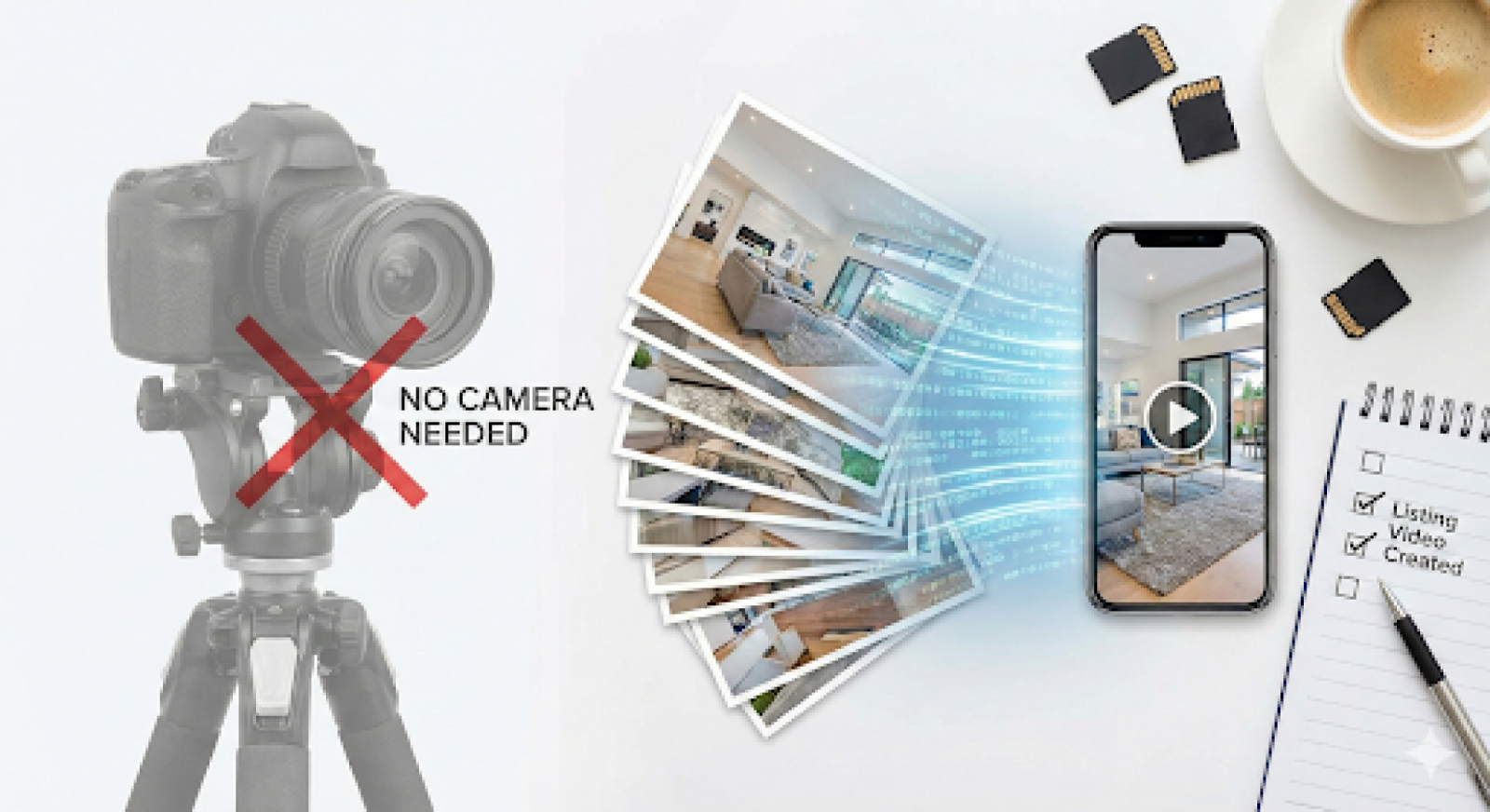
Key Takeaways
- Learn to create real estate videos without cameras using AI.
- Understand how photos transform into motion-driven property marketing videos.
- Discover faster, scalable video workflows for modern listing production.
- See when AI image videos outperform traditional filmed property walkthroughs.
- Know how professionals use AI video in real listing workflows.
Making a real estate video has traditionally required planning, equipment, and post production time that many listings cannot justify. Image based AI systems have changed that workflow by allowing motion driven videos to be generated directly from existing listing photographs without additional on site production.
This guide explains how to make a real estate video using only images and AI in a way that aligns with professional listing operations. It is written for agents, photographers, and teams who understand real estate marketing fundamentals and need a faster, more scalable method for adding video to standard listings.
Create real estate videos faster using images and AI workflows
What Is a Real Estate Video Created from Images and AI?
A real estate video created from images and AI is a listing video generated by applying algorithmic motion, sequencing logic, and scene transitions to static property photographs. Instead of capturing continuous footage, the system uses pre-shot images as input and converts them into a motion based visual narrative.
From a technical standpoint, this process relies on computer vision models that identify focal points within each image. These models apply controlled pan, zoom, and depth simulation to replicate camera movement. The output is rendered as a standard video file suitable for digital distribution.
Key characteristics of image based AI real estate video
- Uses still photographs as the only visual source
- Applies automated motion paths and transitions
- Produces short-format videos optimized for listing promotion
- Requires no manual timeline editing
This format is not intended to replicate cinematic walkthroughs. Its purpose is functional. It provides motion based engagement for listings where speed, consistency, and scalability matter more than bespoke production.
For professionals who already work with high quality photography, this approach reframes video as an extension of images rather than a separate production layer. That distinction is central to understanding how to make a real estate video using only images and AI in a professional workflow.
Why You Don’t Need a Camera to Make a Real Estate Video
The traditional assumption that video requires cameras no longer holds for most real estate marketing scenarios. The majority of listing videos distributed today are short, silent, and consumed on mobile platforms. In this context, motion matters more than continuous footage.
From an operational perspective, camera based video introduces friction.
- Scheduling access to the property
- Managing lighting conditions
- Coordinating equipment and stabilization
- Post-production editing and revisions
AI image based video removes these constraints by decoupling video creation from physical capture. If listing photos already exist, the video layer can be generated asynchronously without returning to the property.
This shift aligns with current market behavior. Most listings still launch with photos only. Video adoption is limited not by demand but by cost and turnaround time. AI image workflows address both.
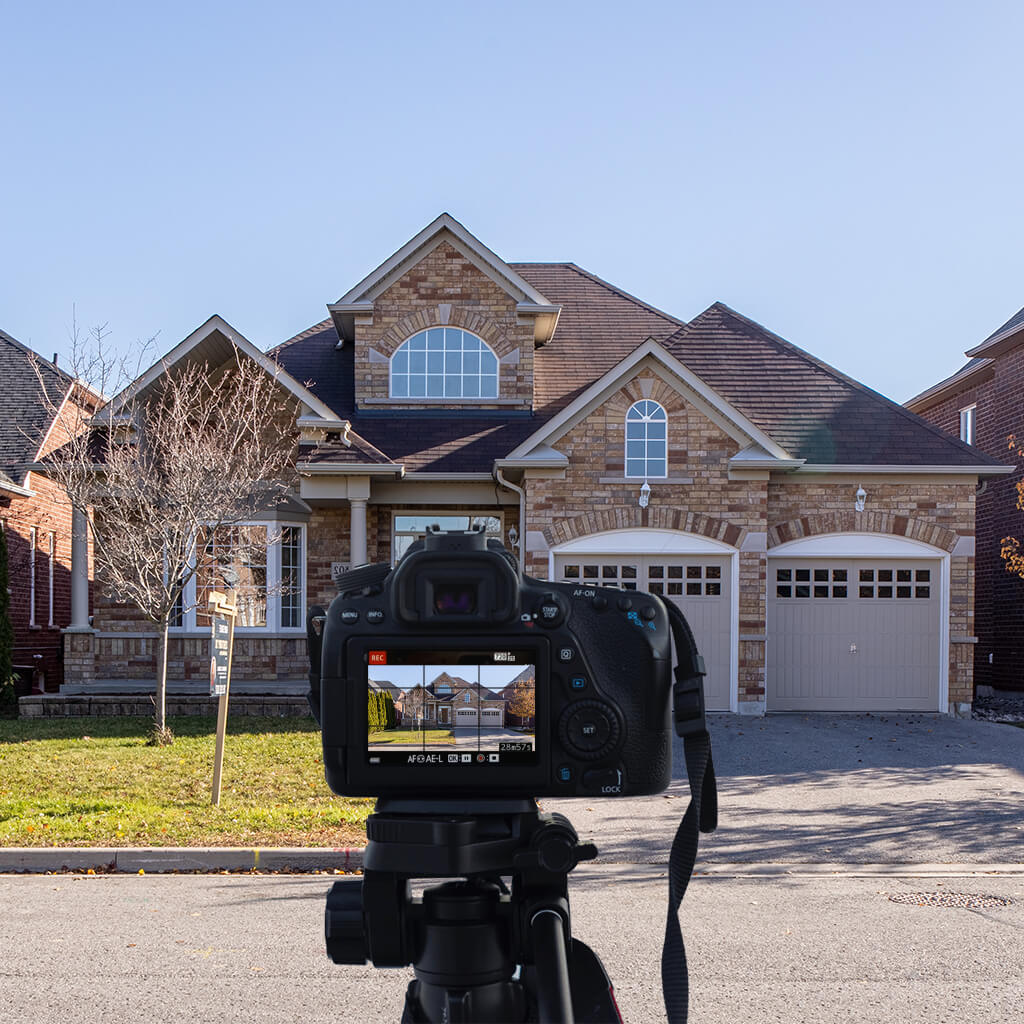
For standard residential inventory, the goal is coverage and consistency rather than cinematic storytelling. That is why many professionals now treat image based AI video as the default option and reserve camera based production for premium use cases.
Understanding this distinction is critical when evaluating how to make a real estate video efficiently at scale.
Images Plus AI vs Traditional Real Estate Video
Professionals choosing how to make a real estate video need to compare image based AI video and traditional filmed video based on operational use, not creative preference. Each approach serves a distinct role within listing workflows.
Comparison Table
From a deployment perspective, image based AI video is optimized for speed, consistency, and scale across multiple listings. Traditional video remains suited for luxury and architectural use cases, while AI workflows better align with volume driven listing objectives and operational efficiency.
Who Should Use AI Image Based Real Estate Videos
AI image based real estate video is best suited for professionals who prioritize turnaround time, margin control, and operational efficiency.
Real estate agents
Agents benefit from faster listing launches and consistent video coverage across all properties. This improves presentation without increasing dependency on external vendors.
Real estate photographers
Photographers use image based AI video as a value added service. Since the source images already exist, video becomes an incremental upsell rather than a separate shoot.
Brokerage teams
Teams managing multiple listings require uniform output. AI workflows standardize video style while reducing coordination overhead.
Property sellers
For sellers handling listings independently, this approach provides access to video marketing without technical complexity.
These users are not experimenting. They are optimizing workflows. They understand photography standards, listing timelines, and platform requirements.
For this audience, learning how to make a real estate video using images and AI is not about novelty. It is about reducing friction while maintaining professional presentation standards.
What You Need Before Making a Real Estate Video from Photos
Preparation directly affects output quality. AI video tools do not fix poor inputs. They amplify what is provided.
Image requirements
- High resolution listing photos
- Consistent aspect ratio
- Neutral lighting and color balance
- No heavy text overlays or watermarks
Image sequencing considerations
- Exterior shots first
- Primary interior spaces next
- Secondary rooms and details last
Poor sequencing results in disjointed visual flow. AI systems follow the provided order and do not infer narrative intent.
Common technical mistakes
- Mixing vertical and horizontal images
- Including duplicate angles
- Uploading low quality MLS compressed files
Professionals who treat AI video as an extension of photography get the best results. Those who rush preparation often misjudge the technology.
Before attempting how to make a real estate video using this method, ensure the photo set already meets listing grade standards. The video will only be as strong as its inputs.
Step by Step How to Make a Real Estate Video Using Only Images and AI
The workflow for creating an AI image based real estate video follows a structured, repeatable sequence. It is designed to fit into existing listing operations without introducing additional production complexity.
Step 1: Upload listing photos
Begin by selecting final, fully edited listing images. Exclude test shots, duplicates, or alternate angles. Upload the images in a logical narrative order, typically starting with exterior views and progressing through primary interior spaces. Proper sequencing directly affects visual flow in the final video.
Step 2: Generate motion and transitions
Once uploaded, the AI applies predefined motion paths and scene timing to each image. This process simulates camera movement and transitions without requiring manual keyframing or timeline editing.
Step 3: Review pacing
Evaluate the overall timing of the video. Most effective real estate videos are approximately thirty seconds in length. If pacing feels rushed, reduce the number of images rather than slowing transitions excessively.
Step 4: Export deliverables
Export the final video in formats aligned with intended distribution channels, such as social media platforms or listing presentations.
Operational notes
- No manual timeline editing is required
- Regenerating a video is faster than revising traditional edits
- Output remains consistent across multiple listings
This process is optimized for speed and scalability. Once standardized, it becomes a checklist driven task rather than a creative bottleneck.
For professionals learning how to make a real estate video without disrupting existing workflows, this approach integrates cleanly with minimal overhead.
How AutoReel Uses AI Image Videos in Real Real Estate Listings
AI image based videos created through AutoReel are already integrated into active real estate listing workflows. Their value is not experimental or conceptual. It lies in consistent deployment across everyday listings where speed and reliability matter.
Within AutoReel driven operations, these videos are commonly used in the following scenarios:
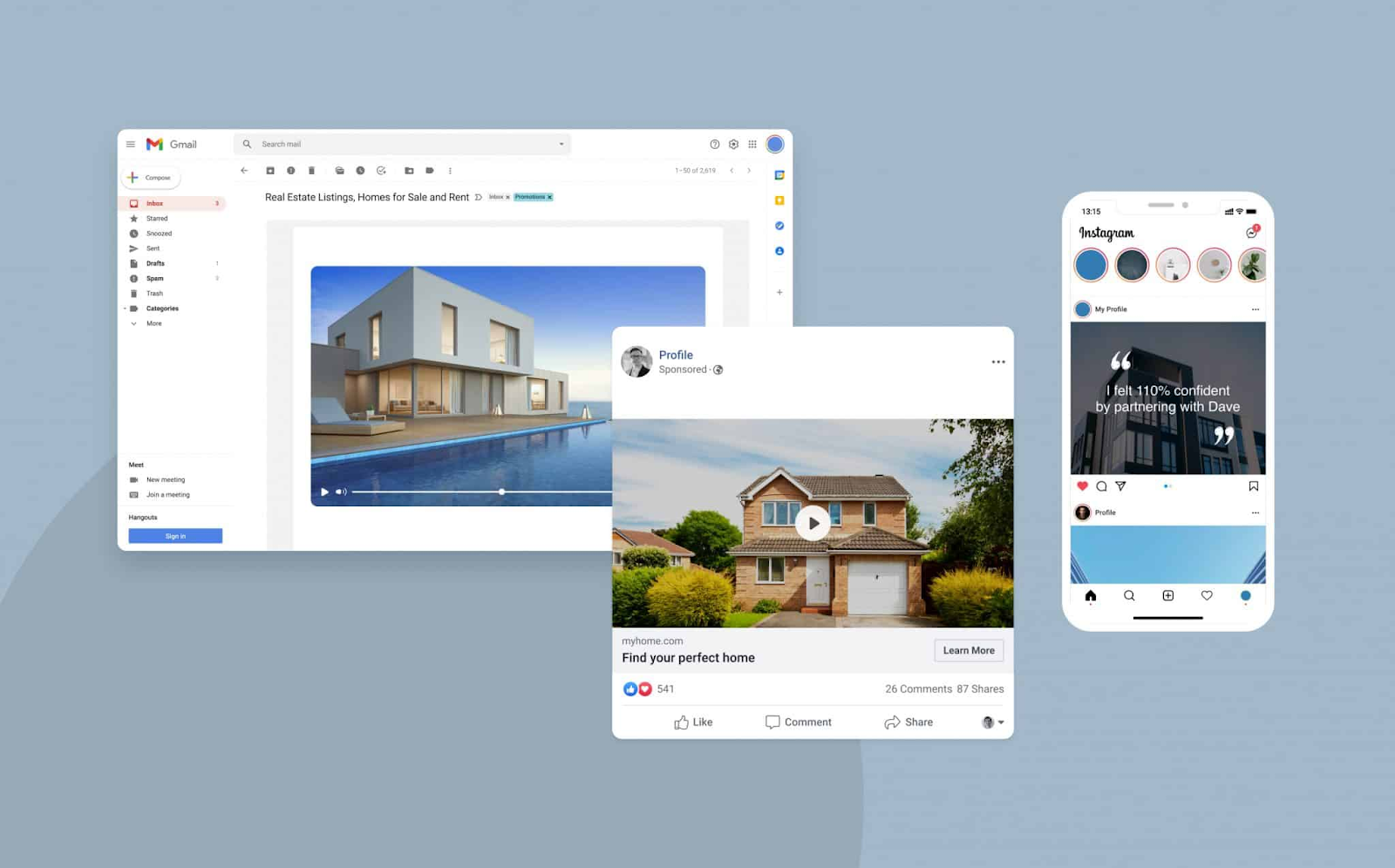
- Social media listing posts designed for short attention spans
- Listing presentation previews shared with sellers before launch
- Photographer add-on services bundled with standard photo packages
- Brokerage marketing packages applied across multiple listings
These videos are intentionally short, silent, and optimized for scrolling behavior on platforms where motion increases visibility. Their function is not to replace in person showings or cinematic walkthroughs. Instead, they support early stage engagement by adding movement to otherwise static listings.
From a revenue perspective, photographers using AutoReel frequently position AI video as a premium add-on. Because production time is minimal and does not require additional site visits, margins remain strong.
Agents rely on these videos to ensure every listing includes motion content regardless of price point. This creates visual consistency across inventory and simplifies marketing operations. Buyers rarely question the production method. They respond to clarity, pacing, and movement.
This is why understanding how to make a real estate video using images and AI through AutoReel has become a practical production skill rather than a technical curiosity.
Add listing videos without cameras or complex production steps
Streamlining Video Creation for Modern Listings
Making a real estate video no longer depends on cameras or complex production workflows. When listing photos are already available, AI based image video systems provide a practical way to add motion, consistency, and speed to property marketing.
For professionals focused on efficiency and scale, learning how to make a real estate video using images and AI is now part of a modern, production ready listing process rather than an experimental tactic.
Scale video content across listings using AI image video tools
Frequently Asked Questions
1. Can I make a real estate video using only listing photos?
Yes. When photos meet basic quality standards, AI systems can apply motion, sequencing, and transitions to generate a complete listing video without filming or additional on site production requirements.
2. How long does it take to create an AI real estate video from images?
Most AI image video workflows take between ten and fifteen minutes from upload to export, depending on photo count and selected pacing for the final video length.
3. What type of photos work best for AI real estate videos?
Clear, well lit, professionally edited listing photos work best. Consistent framing, proper ordering, and balanced exposure help AI models generate smoother motion and more natural visual flow.
4. Are AI image based videos accepted in professional real estate marketing?
Yes. Many agents and brokerages already use them for listings, social media, and presentations where speed and consistency matter more than cinematic walkthrough production.
5. How long should an AI generated real estate video be?
Most effective AI real estate videos are around thirty seconds. This length supports social media engagement and keeps pacing tight without overwhelming viewers with excessive visual information.
6. Can photographers sell AI real estate videos as an add on service?
Yes. Photographers often bundle AI video with photo packages since production requires no additional shoots and can be completed quickly using existing listing images.
7. Do buyers notice that a listing video is created using AI?
Most buyers do not question the production method. They respond to movement, clarity, and pacing rather than whether footage was filmed or generated from images.
8. Is AI image video suitable for luxury real estate listings?
AI image video works best for standard listings. Luxury properties typically still benefit from professionally filmed video when architectural detail and immersive storytelling are priorities.
9. Why is learning how to make a real estate video using images and AI important?
Because video expectations continue to grow while time and budgets remain limited. Image based AI video provides a scalable way to include motion content across more listings efficiently.