How to Shoot Real Estate Photos That Convert Seamlessly Into AI Video (2026)

Summarize with AI


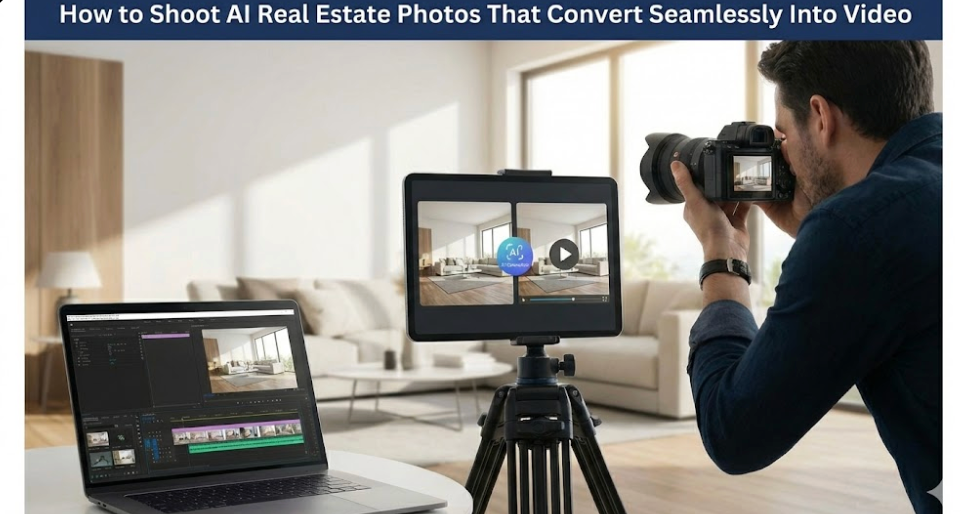
At first glance, a real estate photo seems like a finished still showing space, light, and layout. But once it enters an AI video editor, it becomes data. AI real estate photos are expected to carry depth, motion, and spatial logic beyond visual appearance. When photos are captured with this discipline, AutoReel AI real estate can convert them into reliable video without corrective edits. That consistency directly improves AutoReel AI real estate video results and makes AutoReel pricing for real estate more efficient at scale.
Camera height, lens choice, framing, and sequencing determine how AI interprets movement. When these signals are inconsistent, AI real estate photos fail to translate into stable video. This blog explains how to capture images for video, focusing on sequencing, parallax, exposure, and structural consistency.
Key Takeaways:
- AI video depends on spatial continuity, not visual polish
- Shot sequencing matters more than individual composition
- Parallax and framing buffers enable natural motion
- Exposure and color consistency prevent video artifacts
- Correct capture discipline reduces AI video failures
When photos are captured with motion, structure, and continuity in mind, AI video output becomes stable, natural, and repeatable.
See how AI-ready photos convert into video faster.
What Makes Photos “AI-Ready” for Real Estate Video Generation
AI-ready photos are not defined by how visually impressive they look in isolation. They are defined by how reliably spatial information is preserved across a sequence. When photos follow consistent spatial logic, AutoReel AI real estate can translate them into video without corrective motion artifacts.
Modern photo-to-video systems generate motion by comparing relationships between adjacent frames. When depth cues, perspective alignment, or structural continuity are inconsistent, the AI lacks the reference data needed to synthesize realistic movement. In many cases, motion generation does not degrade gradually and instead breaks down completely.
AI does not interpret images the way a human viewer does. Instead, it analyzes patterns that remain stable or change predictably from frame to frame.
Specifically, AI systems map:
- Edge continuity across structural lines
- Perspective shifts that imply camera movement
- Object permanence between sequential images
Because of this, AI real estate photos must prioritize predictability over creative variation. A sequence that is visually uniform but spatially consistent will outperform a set of individually strong but structurally disconnected images.
Key characteristics AI expects from an AI-ready photo set include:
- Stable camera height maintained across the sequence
- Consistent focal length without mid-set changes
- Redundant visual information between adjacent frames
This explains why two technically sharp, well-composed photos can still fail when used for video generation. Without shared spatial logic, the AI cannot infer motion paths.
When photos serve as structured spatial data rather than standalone visuals, AI-generated video becomes reliable and repeatable.
Check whether your photos support motion, not just aesthetics.
Why AI Video Editors Struggle With Standard Listing Photos
Standard listing photos are designed for isolated viewing, while AI video editors process images as sequential spatial data. When photos are not captured with continuity in mind, AI systems lack the structural information required to infer realistic camera movement. This is where AutoReel AI real estate video workflows fail not due to software limits, but because spatial cues were never captured.
The most common reasons standard photos fail in AI video workflows include:
- Ultra-wide lens distortion that exaggerates space while compressing depth, reducing usable parallax
- Inconsistent camera elevation that introduces perspective breaks interpreted as camera tilts or jump cuts
- Over-cropped framing that removes transition buffers needed for lateral motion synthesis
- Unpredictable perspective shifts that AI assumes represent intentional camera movement
- Lighting changes within a sequence that AI reads as scene transitions rather than exposure drift
During motion interpolation, AI models expect continuity to be deliberate. They assume sequential images belong to a single spatial path and that visual changes signal purposeful movement. When these assumptions are violated, AI photo-to-video workflows lose spatial reference, causing unstable motion, warped edges, and forced digital zooms instead of natural camera movement.
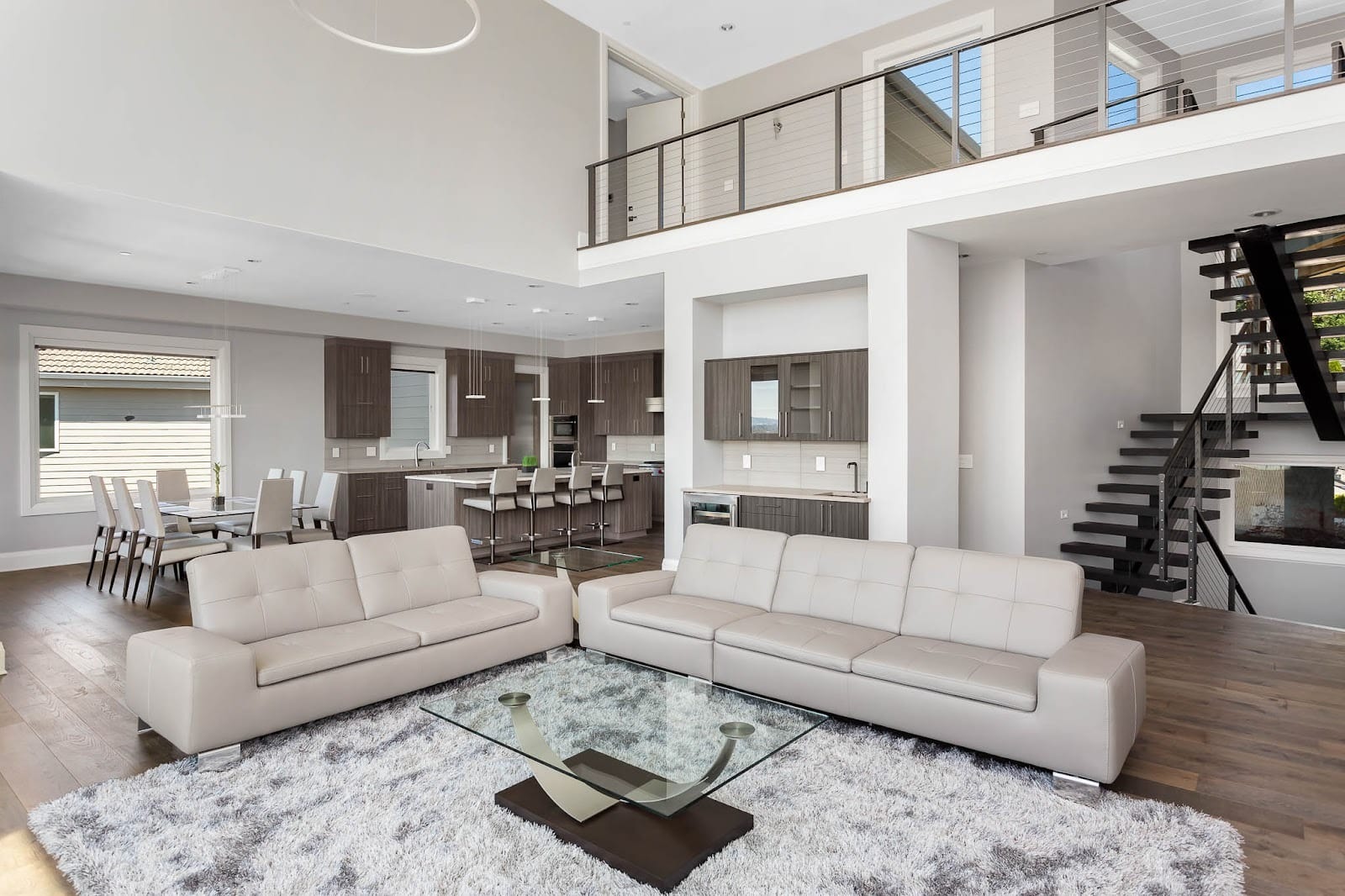
This is not a limitation of the AI video editor itself. AI systems do not invent structure. They extrapolate motion from the input provided, and missing spatial logic cannot be reconstructed after capture.
Identify which shooting habits break AI video continuity.
How to Engineer a Shot Sequence for AI Motion Synthesis
When shooting for AI video generation, sequence logic matters more than individual composition. AI real estate photos must prioritize spatial continuity because AI generates motion by tracking how elements shift across frames. When that progression breaks, the system falls back on artificial zooms or abrupt transitions that reduce realism.
Core Shot Sequencing Principles
- Maintain 25–35% visual overlap between consecutive images
- Favor lateral X-axis movement over forward or backward jumps
- Avoid sudden Z-axis shifts that disrupt depth interpretation
- Keep anchor objects like doors or windows visible across frames
- Follow a logical spatial path between shots
Clean sequencing allows AutoReel AI real estate to generate natural pans instead of relying on artificial zooms. When sequencing preserves spatial continuity, AI video tools can generate smooth pans and slides. Clean shot order is one of the strongest predictors of stable, believable video output.
Plan shot order before shooting, not after editing.
Shooting AI Real Estate Photos for Parallax and Depth
At first glance, shooting photos for AI video generation resembles standard real estate photography, with the same focus on composition, lighting, and space. The difference emerges when images are used sequentially for motion synthesis, where capture quality determines whether AI real estate photos support natural depth and movement or degrade into artificial zooms and unstable transitions.
Camera Geometry and Optical Constraints
AI models rely on stable geometric reference points across frames. Camera height and focal length directly affect depth interpretation.
- Maintain a fixed camera height between 48 and 54 inches
- Avoid vertical drift within a sequence
- Prefer 20 to 24mm focal lengths for balanced parallax
- Use 16 to 18mm cautiously and avoid ultra-wide optics
These constraints preserve depth gradients and reduce distortion that disrupts motion interpolation.
Framing Strategy for Motion Synthesis
Framing controls how much movement AI can generate safely. AI video editors often apply dynamic crops while simulating pans and slides.
- Leave buffer space along all frame edges
- Avoid tight crops near walls or vertical lines
- Maintain lateral clearance for simulated camera movement
When geometry is controlled and framing allows motion headroom, AI real estate photos translate into smooth, spatially coherent video without forced digital motion. Strong parallax data is what allows AutoReel AI real estate video to feel spatially grounded rather than digitally animated.
Lock camera geometry to preserve depth and parallax.
Exposure, Color Science, and Consistency for AI Video Pipelines
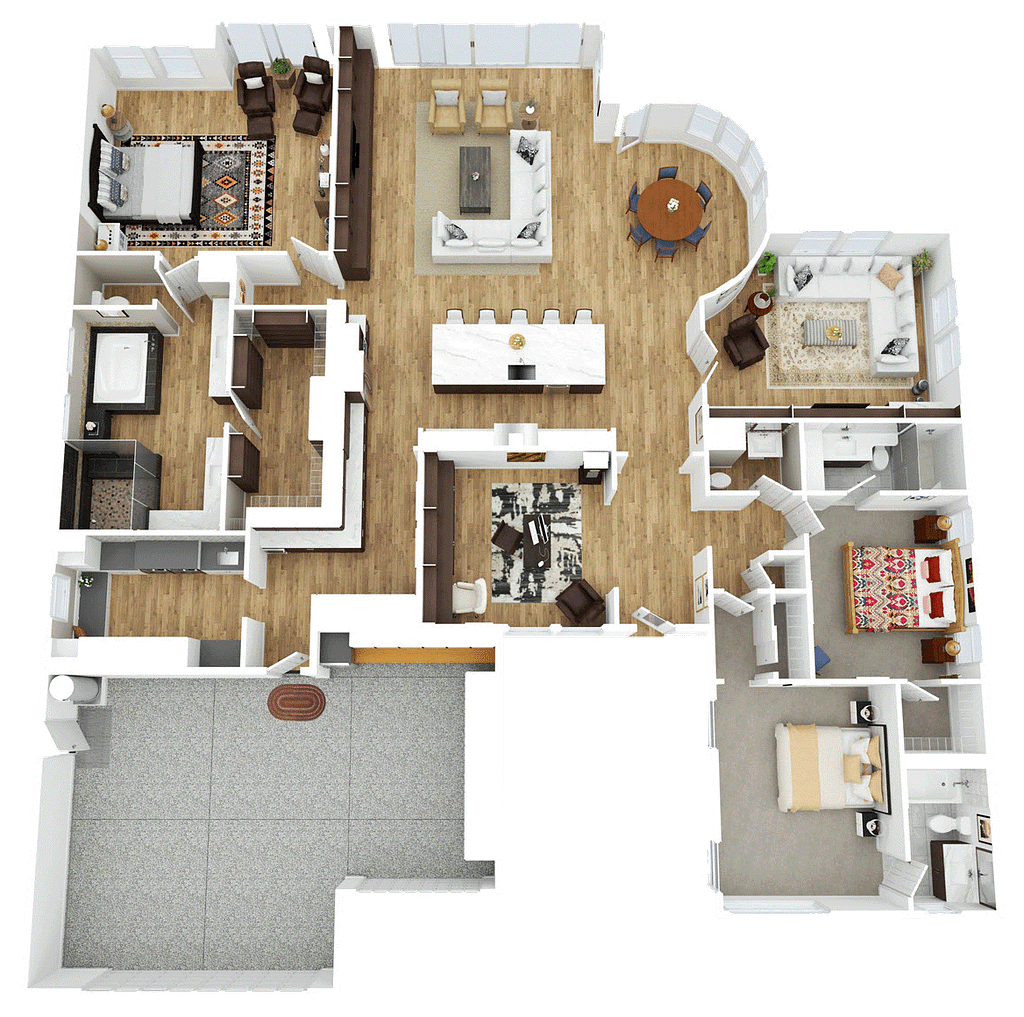
AI video pipelines rely on predictable visual data across frames. Exposure or color shifts that seem minor in still photos often become exaggerated once motion is generated. When lighting changes mid-sequence, AI systems may misinterpret those shifts as movement or depth variation, reducing video stability. Exposure drift forces AutoReel AI real estate video engines to correct visual noise instead of generating smooth motion.
Exposure and White Balance Control
Exposure consistency is essential for AI-driven video generation. Automatic exposure and auto white balance introduce fluctuations that AI interprets as motion artifacts. Exposure drift forces AutoReel AI real estate video engines to correct visual noise instead of generating smooth motion.
- Use manual exposure for all images within a room
- Lock white balance per room sequence
- Recalculate settings only when entering a new space
Stable exposure and color allow AI to prioritize spatial interpolation instead of correcting visual drift.
HDR and Scene Segmentation
HDR can work against AI video pipelines by flattening contrast and depth cues.
- Avoid HDR unless dynamic range is unavoidable
- Segment sequences by room when lighting conditions change
Maintaining strict exposure and color discipline ensures AI real estate photos convert into stable, believable video outputs without flicker or motion distortion.
As one AutoReel Advocate noted, “AI videos look weird when the light jumps mid-pan.” How Inconsistent Exposure Affects AI Video Creation (InVideo blog)
This highlights why stable exposure and color across frames is essential for AI video engines.
Post-Processing Rules That Help (Not Hurt) AI Video Creation
Post-processing for AI video workflows differs from traditional real estate editing. The goal is preserving spatial accuracy, not visual enhancement. AI video editors track edge, surface, and depth relationships across frames, and altering these often causes jitter, warping, or artificial zooms.
Edits That Disrupt AI Motion Interpretation
Some common edits interfere with AI motion synthesis by changing geometric data. While they may improve stills, they often harm video results.
- Avoid aggressive keystone or perspective correction
- Limit clarity, texture, and heavy sharpening
- Remove artificial vignettes and sky replacements
Preserving geometry ensures AutoReel AI real estate can infer movement accurately across frames. Edits that reshape structure or exaggerate edges reduce the AI’s ability to infer natural camera movement.
Export and Consistency Best Practices
Export settings affect how reliably AI interprets photo sets. Clean, neutral files perform best.
- Use high-quality JPEGs (85–90)
- Export at native resolution without upscaling
- Disable AI sharpening or super-resolution tools
Maintain consistency by locking color profiles, keeping exposure stable, and matching white balance within each room sequence. This ensures AI real estate photos remain reliable for smooth video generation.
Simplify edits to protect geometry and motion integrity.
Final Pre-Upload Validation Checklist for AI Video Editors
Before uploading, treat your image set as structured input data, not individual photos. This checklist ensures your AI real estate photos provide the spatial consistency required for reliable motion generation.
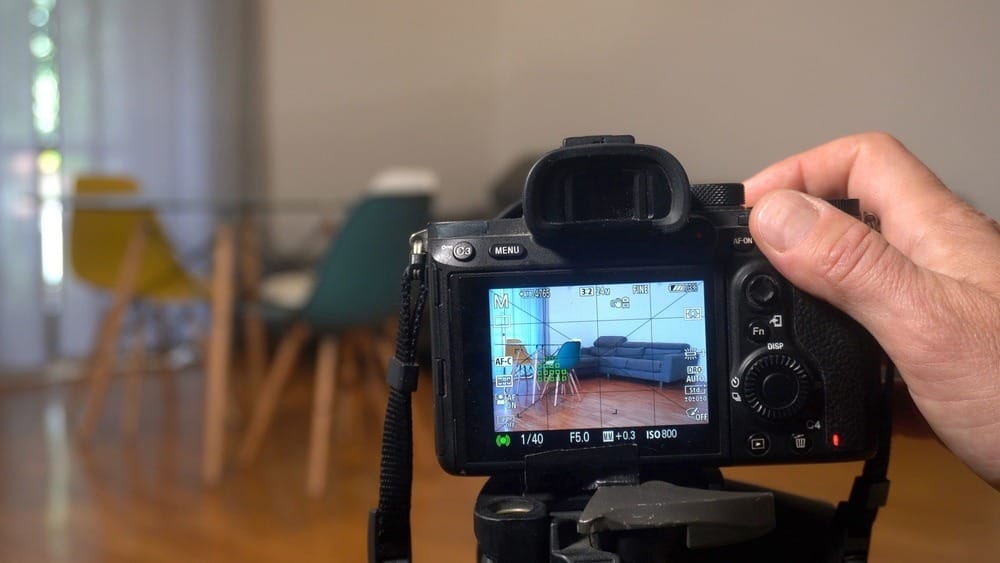
Running this validation ensures AutoReel AI real estate video generation succeeds on the first pass. Skipping this step is the most common reason AI creates video for real estate from photo workflows that fail on the first pass.
No Heavy Geometry Correction:
Remove aggressive keystone or perspective adjustments that alter edge relationships.
Exposure and White Balance Stable:
Lock exposure and color temperature per room. Avoid visible lighting jumps.
Frame Overlap Present:
Maintain 25 to 35 percent visual overlap between adjacent images for stable motion inference.
Logical Shot Flow:
Arrange photos in a natural spatial order, such as left to right or entry to exit.
Consistent Focal Length:
Verify no focal length changes mid-sequence. Lens variation breaks parallax interpretation.
Camera Height Locked:
Confirm that all photos in a room were shot at the same vertical height. Even small shifts disrupt depth alignment.
Running this checklist before upload eliminates most failures and enables the best photo to video AI tools to generate clean results without rework.
Run this checklist before every AI video upload.
Where AI-Ready Photos Translate Directly Into Video
When photos are captured with spatial continuity, reliable depth, and disciplined sequencing, they act as structured motion input rather than static images. In this state, AI-ready photos translate directly into usable video without artificial movement or corrective passes.
- Platforms like AutoReel benefit from this consistency. When AI-generated real estate photos preserve geometry, overlap, and exposure, video creation becomes predictable and efficient.
When these conditions are met, video creation shifts from a costly, time-intensive process to a fast, repeatable workflow.
Convert structured photo sets into video without rework.
Transform Your Photo Sets Into AI-Ready Video Assets
AI video creation depends less on tools and more on how deliberately photos are captured. When AI real estate photos are planned as structured spatial sequences instead of isolated stills, they become reliable inputs for motion synthesis rather than sources of instability.
By shooting with continuity, depth, and sequencing in mind, photo sets translate cleanly into video without reshoots or corrective passes. The advantage does not come from more advanced AI. It comes from disciplined capture decisions made at the moment of shooting.
When photos are captured correctly, AutoReel AI real estate can convert them directly into stable, professional video without rework. That efficiency makes AutoReel AI real estate video creation predictable and cost-effective under AutoReel pricing for real estate, even at scale. Clean capture reduces retries, making AutoReel pricing for real estate more efficient at scale.
Try AutoReel and turn your next photo set into a sellable video asset.
External References
- Reddit- Photo to Video Workflow Discussions in Real Estate Photography
- YouTube- Real Estate Photography Mistakes That Kill Video Quality
- Reddit- Why ultra-wide lenses break room proportions and depth
FAQs:
1. What exactly makes AI real estate photos different from standard listing photos?
AI real estate photos prioritize spatial continuity over single-frame appeal. They maintain consistent camera height, perspective, and framing so AI can infer depth and camera motion, which standard listing photos often don’t support.
2. Why does AI struggle to create video when photos look visually perfect?
Visual quality doesn’t ensure geometric consistency. AI creates video for real estate from photo sets that require stable focal length and framing. Small inconsistencies break spatial references, causing jitter or warped motion despite polished stills.
3. How important is photo sequence order for AI video generation?
Sequence order is essential. AI assumes logical movement between frames. Disordered rooms or abrupt angle changes disrupt motion inference, while well-ordered AI real estate photos enable smooth pans and natural transitions.
4. What role does parallax play in photo-to-video AI tools?
Parallax provides depth cues through foreground and background movement. The best AI for photo-to-video relies on this data. Flat or distorted compositions limit parallax, forcing artificial digital motion instead of realistic spatial movement.
5. Can AI create video for real estate from photo sets with minimal images?
Yes. Three to five overlapping, well-spaced photos per room often outperform larger inconsistent sets. AI creates real estate videos more effectively when continuity and overlap stabilize motion synthesis and reduce interpolation errors.
6. Does camera height inconsistency really impact AI-generated video quality?
Yes. Vertical shifts confuse AI models, causing perceived tilt or distortion. AI-generated real estate photos should maintain consistent camera height so depth planes align, directly improving realism in the final video.
7. Are ultra-wide lenses bad for AI photo-to-video workflows?
They’re risky. Ultra-wide lenses exaggerate distortion and compress depth, complicating motion interpolation. The best AI for photo-to-video performs more reliably with moderate wide angles that preserve natural spatial relationships.
8. How much editing is too much for AI-ready photos?
Edits that alter geometry are harmful. Heavy perspective correction or sharpening disrupts edge continuity. AI real estate photos perform best with restrained editing focused on exposure and color consistency.
9. Why does exposure consistency matter so much for AI video editors?
Exposure shifts signal scene changes to AI. Brightness fluctuations cause flicker or pulsing. Locked exposure ensures AI creates video for real estate from photo workflows with stable, continuous motion.
10. How does AutoReel AI real estate handle photos that are shot specifically for video?
AutoReel AI real estate performs best when photos are captured with consistent camera height, overlap, and exposure. When images follow AI-ready capture rules, AutoReel AI real estate video generation produces smoother motion, cleaner pans, and fewer artifacts without requiring corrective editing or reuploads.
11. Does AutoReel pricing real estate change based on how photos are captured?
No. AutoReel pricing for real estate is not affected by photo quality or shooting style. However, well-structured photo sets reduce rework and generation retries, making AutoReel AI real estate video workflows faster and more efficient within the same pricing plan.
12. Can AutoReel AI real estate video replace manual editing if photos are shot correctly?
Yes, in most cases. When photos are captured with spatial continuity and depth in mind, AutoReel AI real estate video can replace manual editing entirely for listing videos, enabling faster delivery and predictable results without increasing costs under standard AutoReel pricing real estate plans.