How to Shoot Real Estate Video or Generate It with AI

Summarize with AI


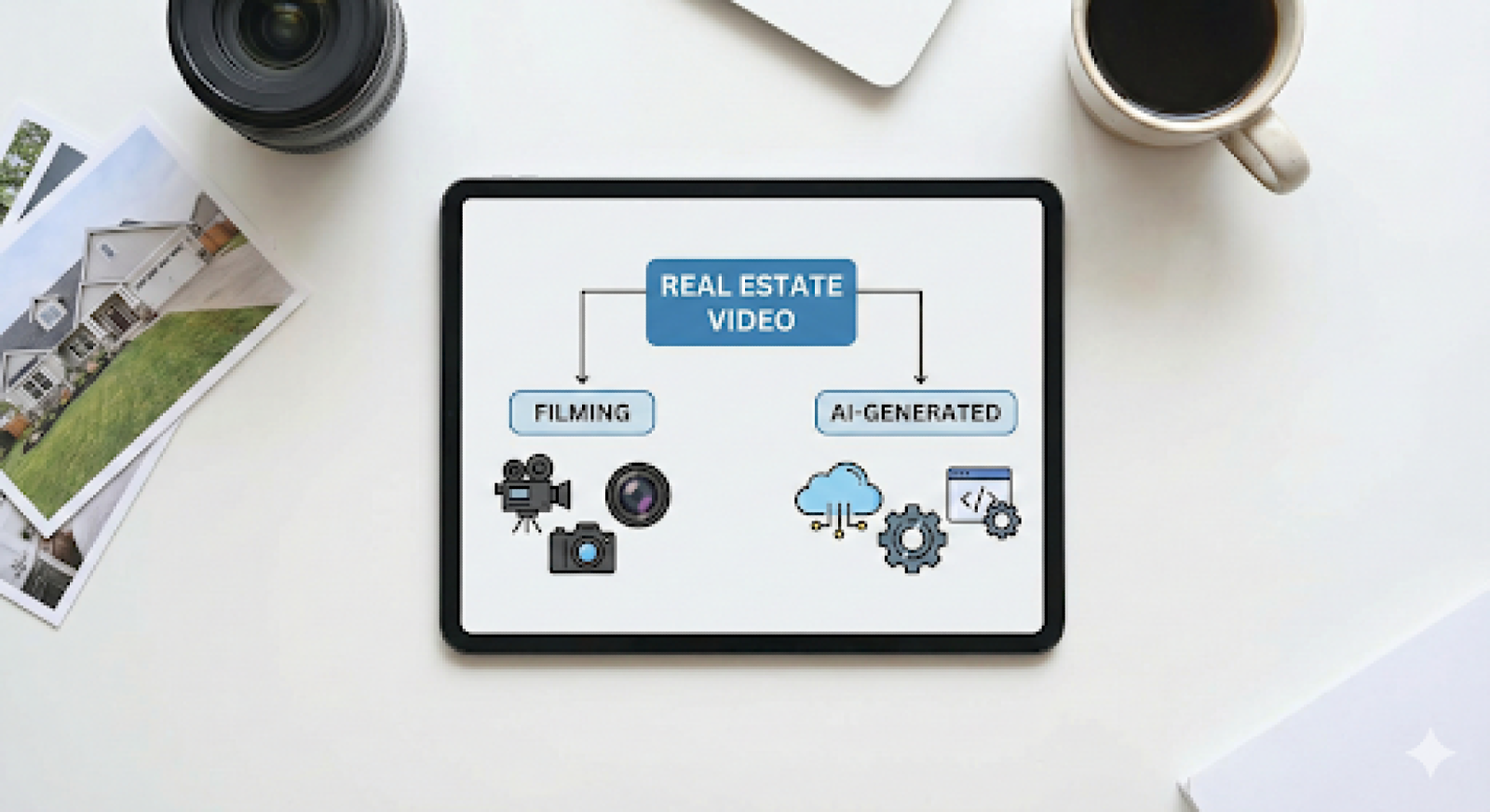
Takeaway
- Learn how to shoot real estate video with stable, repeatable technique.
- Understand when filming adds value versus when AI saves time.
- Choose the method that fits listing type, speed, and workload.
Knowing how to shoot real estate video is now a core operational skill for modern listings. Buyers expect motion that clearly communicates layout and flow, while agents demand fast turnaround and consistent quality across multiple properties.
This creates a practical decision point when learning how to shoot real estate video efficiently. When does filming add value to a listing, and when does it slow production, increase costs, or create unnecessary complexity in the workflow?
This guide explains how to shoot real estate video efficiently and when AI-generated video can achieve comparable results without filming. Built for experienced photographers, videographers, and agents, it focuses on workflow, execution, and choosing the right method per listing.
See AutoReel pricing and calculate your profit per listing in minutes today
What Is Real Estate Video and Why It Matters Today
Real estate video is now judged less on creativity and more on usefulness.
- Buyers expect motion that explains layout quickly.
- Agents expect assets that can be deployed across listings and social channels without repeated revisions.
Therefore, for professionals, knowing how to shoot real estate video has become a production decision, not a creative experiment.
At scale, video functions as an extension of listing photography. It supports buyer orientation and reduces friction in early decision making. The expectation is no longer cinematic polish but visual clarity delivered on time.
Key reasons real estate video matters today:
- Buyers consume listings primarily on mobile devices
- Motion helps communicate room flow faster than still images
- Listings without video appear incomplete in competitive markets
- Consistency often outperforms visual complexity
This shift has forced professionals to evaluate video based on workflow efficiency. Understanding how to shoot real estate video now includes knowing when filming adds measurable value and when alternative methods deliver similar outcomes with less effort. That distinction shapes every technical choice that follows.
How to Shoot Real Estate Video Using the Right Equipment and Settings
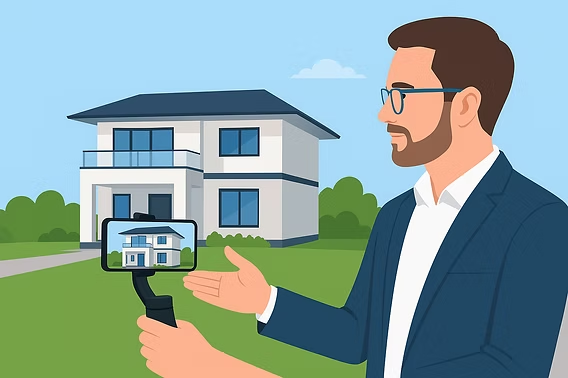
Professionals who understand how to shoot real estate video prioritize predictability over experimentation. The objective is to reduce setup time, avoid reshoots, and limit post production correction.
Equipment choices should support consistency:
- Mirrorless cameras or modern smartphones with strong sensors
- Reliable stabilization through gimbals or in body systems
- Wide angle lenses that preserve spatial context
- Variable ND filters for exposure control in bright interiors
Settings should always be manual to avoid variability:
- Resolution set to 4K even if final delivery is 1080p
- Frame rate locked at 30 fps
- Shutter speed maintained at one over sixty
- White balance fixed per property
- Neutral or flat picture profiles to preserve detail
Preparation is part of shooting:
- Lights turned on consistently
- Fans and televisions off
- Doors fully open to maintain flow
- Exterior shots planned before interior work
Mastering this baseline setup is essential to learning how to shoot real estate video efficiently and repeatedly without quality drift.
Camera Movement Principles That Define Professional Real Estate Video
Camera movement is the primary quality signal in real estate video. Viewers immediately notice instability, speed inconsistencies, and poorly planned motion.
Professionals who understand how to shoot real estate video treat movement as a repeatable system rather than an improvised action.
Movement execution standards
Effective movement is slow, linear, and purpose driven:
- Forward push movements establish depth in entryways and primary living areas
- Lateral slides work best for kitchens, islands, and countertops where width matters
- Static holds allow viewers to register architectural details and finishes
- Minimal rotational movement prevents viewer disorientation and motion sickness
Movement speed directly affects perceived quality. Excessive speed introduces motion blur, rolling shutter distortion, and gimbal correction artifacts. Slower motion preserves sharpness and improves legibility on mobile displays, where most listing videos are viewed.
Path planning and stabilization
Professional shooters pre-plan walking paths:
- Consistent step length reduces vertical bounce
- Straight line movement minimizes horizon drift
- Locked gimbal axes prevent unintended tilt or roll
Improper stabilization settings often create micro corrections that look unnatural.
Sequencing and spatial logic
Room order reinforces orientation:
- Exterior shots establish context and scale
- Entry shots anchor the viewer
- Main living spaces follow natural circulation paths
- Private areas appear later to maintain flow
Random room order breaks spatial understanding. When movement and sequencing work together, the video feels intentional rather than rushed. This discipline is central to mastering how to shoot real estate video at a professional level.
Common Mistakes When Shooting Real Estate Video and How to Avoid Them
Most real estate video issues come from workflow failures, not lack of skill. Professionals refining how to shoot real estate video focus on controlling technical variables before improving creative elements. Small mistakes compound quickly and reduce footage usability.
Technical mistakes that reduce video quality
Camera automation is a frequent problem:
- Auto exposure causes brightness pulsing between rooms
- Auto white balance shifts color temperature across clips
- Incorrect shutter speed introduces flicker or motion blur
- Moving too quickly increases rolling shutter distortion
- Excessive digital stabilization softens image detail
These errors often require corrective editing or reshoots, increasing turnaround time.
Operational mistakes that trigger reshoots
Many reshoots are avoidable:
- Inconsistent lighting between rooms
- Reflections revealing the operator
- Fans, screens, or appliances left running
- Filming before staging or cleaning is complete
Runtime and structure issues
Performance drops when:
- Videos exceed one minute
- Redundant angles add length without clarity
- Poor sequencing disrupts spatial understanding
Avoiding these problems requires process discipline, not better gear. Professionals who standardize preparation and execution deliver reliable results, which defines advanced execution in how to shoot real estate video.
How AI Generated Real Estate Videos Work Without Filming
AI generated real estate video replaces physical camera movement with simulated motion created from still images. It is designed to remove production friction rather than replicate cinematic filming.
A typical AI workflow includes:
- Uploading listing photos
- Selecting a predefined motion style
- Automatically generating video clips
- Exporting listing ready assets
This process removes:
- Travel time
- On site setup
- Reshoots due to lighting or movement errors
AI video performs best when:
- Listings follow standard layouts
- Speed to market is critical
- Consistency matters more than uniqueness
- Content is used primarily for social or portals
AI does not replace walkthrough continuity or bespoke compositions. It replaces routine production where efficiency matters most. Professionals who already know how to shoot real estate video use AI selectively to scale output without adding labor.
Shooting Real Estate Video Versus Using AI Generated Clips
Choosing between filming and AI generated video is a production decision based on efficiency, not preference. Professionals who understand how to shoot real estate video evaluate each listing using clarity requirements, turnaround expectations, and operational cost. The goal is not perfection, but fit.
Filming vs AI Generated Video Comparison
Where Manual Filming Still Makes Sense
Manual filming remains valuable when a property requires emphasis on architectural detail and spatial continuity. It allows:
- Custom framing for design intent
- Natural movement that explains flow
- Greater control over pacing and focus
These advantages come with higher time and coordination costs, which become harder to manage as listing volume grows.
Where AI Generated Video Is More Efficient
AI generated video prioritizes speed and consistency. It works best when layouts are standard and visual clarity is the goal:
- Predictable results across multiple listings
- Faster delivery without on site work
- Consistent style for branding and scale
Luxury homes often benefit from filming, while rentals, mid range listings, and social media clips favor AI for efficiency.
Why AutoReel Fits Modern Real Estate Video Workflows
AutoReel is built for professionals who need speed, consistency, and predictable pricing without adding production complexity. It removes the operational friction of filming while still delivering listing ready video assets suitable for social media and portals.
Key reasons professionals choose AutoReel:
- Converts listing photos into short real estate videos in minutes
- Eliminates travel, reshoots, and on site coordination
- Produces consistent output across high listing volumes
- Costs significantly less than traditional video production
- Enables photographers and agents to add video profitably
For teams managing multiple listings, AutoReel simplifies video production while protecting margins and turnaround timelines.
Compare AutoReel pricing against filming costs and protect your margins per listing
The Way Forward for Listing Video Production
Knowing how to shoot real estate video remains a valuable skill, but it is no longer the only path to effective listing media. Modern workflows prioritize outcome over process.
Manual filming is most effective when detail and differentiation justify the effort. AI generated video reduces friction when speed and volume are the priority.
The strongest operators are not attached to one method. They choose the production approach that fits the listing, deliver consistent assets, and protect their time. That mindset defines professional advantage in the current real estate media environment.
Start with AutoReel pricing built for scale not unpredictable video expenses monthly
Frequently Asked Questions
1. What do you need to shoot a real estate video?
Shooting real estate video typically requires a camera or phone, wide angle lens, stabilization, and manual settings. Consistent movement, proper lighting, and short runtimes matter more than expensive gear for producing clear, professional listing videos that buyers understand quickly online.
2. How do you shoot real estate video smoothly?
To shoot real estate video smoothly, use a gimbal or strong in body stabilization and walk slowly. Keep movements deliberate, avoid sudden turns, and plan your path in advance to maintain flow and prevent motion blur issues during property walkthroughs.
3. How long should a real estate video be?
Ideal real estate videos are usually thirty to sixty seconds long. This length keeps buyer attention, works well on listing platforms and social feeds, and delivers enough visual information without overwhelming viewers or increasing drop off rates during initial browsing.
4. Is it worth learning how to shoot real estate video yourself?
Learning how to shoot real estate video yourself can save money, but consistency is critical. If filming disrupts your schedule or quality varies, outsourcing or AI generated video often produces more reliable results for active listings across competitive real markets.
5. How do AI generated real estate videos work?
AI generated real estate videos are created from listing photos using automated motion templates. The software simulates camera movement and transitions, allowing professionals to produce video content without filming, travel, or on site production time while maintaining consistent visual presentation.
6. When should you use AI instead of filming real estate video?
AI video is best for standard listings, rentals, and high volume markets where speed matters. It may not replace filmed walkthroughs for luxury homes that require unique angles, spatial continuity, and custom storytelling elements to highlight architectural details effectively consistently.
7. What are common mistakes when shooting real estate video?
Common mistakes when shooting real estate video include moving too fast, using auto exposure, poor lighting preparation, and filming overly long sequences. These issues reduce clarity, distract buyers, and often require costly reshoots or heavy editing before listings are published.
8. Can you shoot real estate video with a smartphone?
Using a smartphone to shoot real estate video is acceptable if stabilization and lighting are controlled. Modern phones capture high quality footage, but poor movement, auto settings, and lack of planning can still produce unprofessional results for serious listing efforts.
9. Should you choose filming or AI generated real estate video?
Choosing between filming and AI video depends on listing goals, budget, and timeline. Professionals often combine both approaches, filming when differentiation matters and using AI generated clips when efficiency and consistency are the priority across multiple listings and marketing channels.