How to Virtually Stage a Vacant Home Room by Room

Summarize with AI


An empty house doesn't sell itself; buyers can't picture a life in rooms that look like storage units. Virtual staging solves that by digitally furnishing your listing photos, so a vacant living room becomes a lived-in one without moving a single couch.
Here's exactly how to virtually stage a vacant home room by room, and the mistakes that make it look fake.
What Virtual Staging Actually Is (And Why Vacant Listings Need It)
Virtual staging is the process of digitally adding furniture and decor to photos of an empty room. Instead of paying a staging company to haul in a sofa, a rug, and a coffee table, you upload a photo, and AI automatically fills the space with realistic-looking furnishings that match the room's proportions and lighting.
For vacant listings, this matters because empty rooms are the hardest sell in real estate. A bare bedroom photographs smaller than it is, and a furniture-free living room gives buyers nothing to anchor scale against.
According to the National Association of Realtors' Profile of Home Staging, 82% of buyers' agents say staging makes it easier for a buyer to visualize a property as their future home; virtual staging delivers that same benefit without the cost or lead time of physical staging.
The catch: it only works if the underlying photo is clean, well-lit, and shot at the right angle.
Before You Start: Get the Source Photos Right
Every room below starts from the same three rules:
- Shoot straight, not at an angle. Corner-to-corner shots distort proportions and make furniture placement look unnatural once staged.
- Light the room evenly. Open blinds, turn on all fixtures, and shoot during daylight hours. Virtual staging tools match shadows to existing light — patchy light means patchy-looking furniture.
- Use a wide-angle lens: But not fisheye. You want the full room visible without warping the walls.
Once the photos are right, One-Click Import from Realtor.com in AutoReel pulls them straight into the platform, so you're not re-uploading files room by room.
Living Room: The First Room Buyers Judge
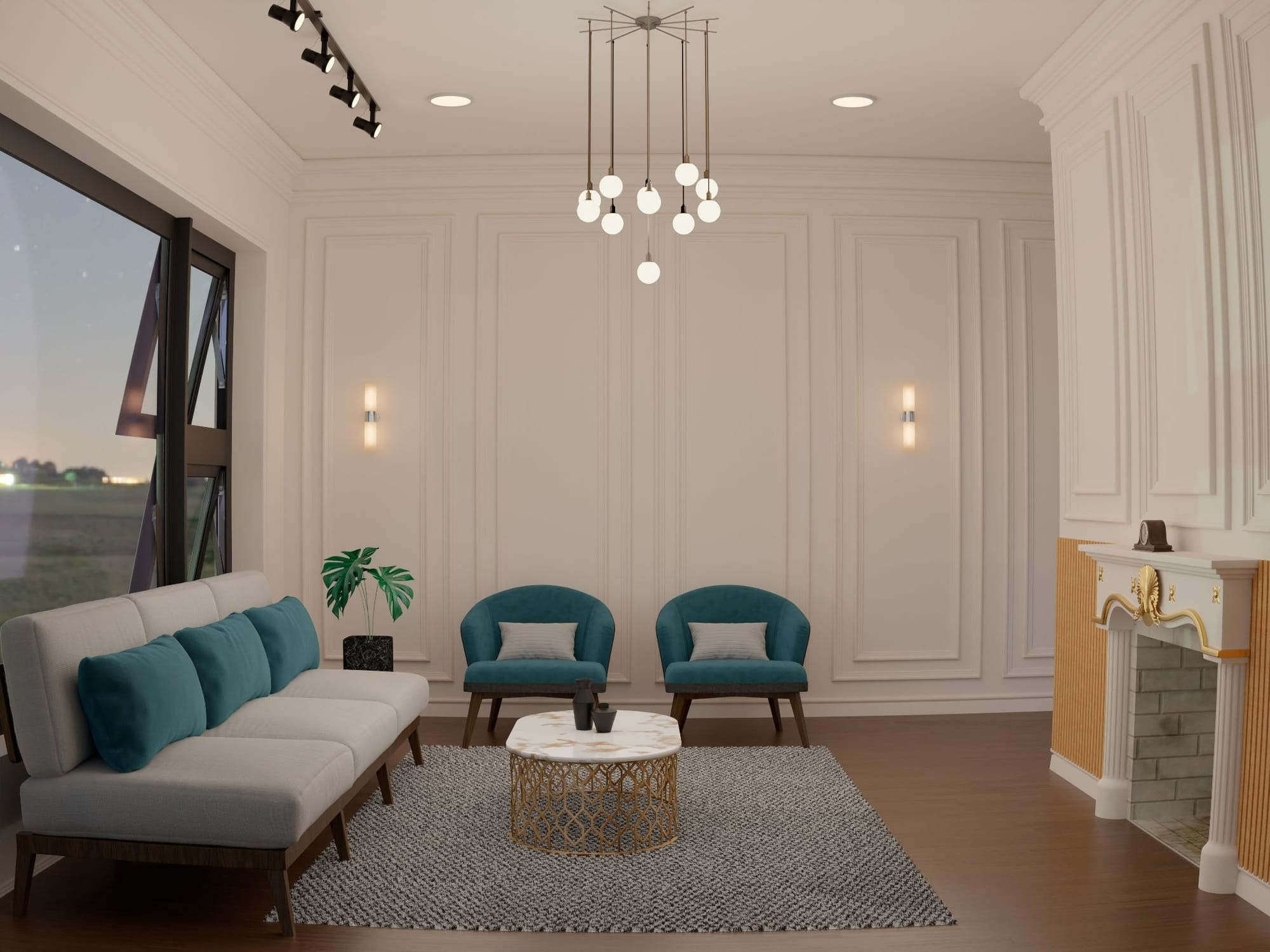
The living room sets the tone for the whole tour, so it's worth staging first and staging well.
What to add: a sofa sized to the room, a coffee table, one or two accent chairs, a rug that defines the seating area, and a piece of wall art or a mirror to break up bare walls.
What to skip: clutter. Three to five furniture pieces is usually the ceiling for a room this size.
Practical takeaway: Stage toward the room's actual buyer, a mid-century sofa in muted tones reads "move-in ready" to more buyers than a bold, trend-heavy set. Neutral staging sells faster because it lets buyers project their own taste onto the space.
Kitchen: Stage for Function, Not Furniture
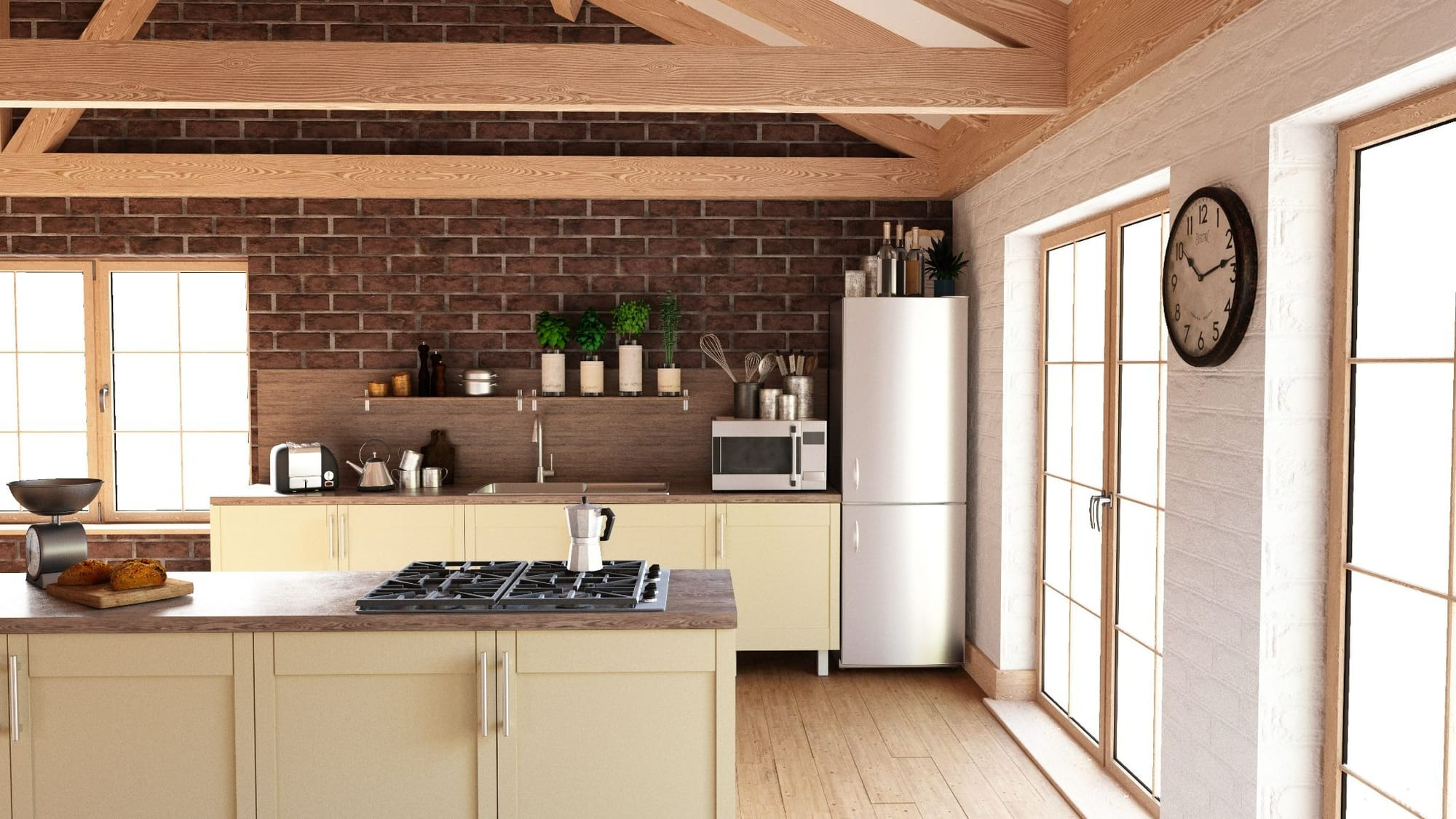
Kitchens rarely need furniture staging; they need to look used and cared for. This is where AI photo edits do more work than virtual furniture.
What to add: a bowl of fruit or a simple centrepiece on the island, a couple of stools at the breakfast bar, and, if the kitchen photographs dark, a brightness edit so counters and cabinets read clean.
What to skip: overstaging with small appliances or decorative objects. A kitchen staged like a magazine shoot reads as fake.
Practical takeaway: Bare kitchens show every imperfection; a quick photo edit can clean up scuffed walls or dated lighting before you upload.
Bedrooms: Anchor Scale With One Focal Piece
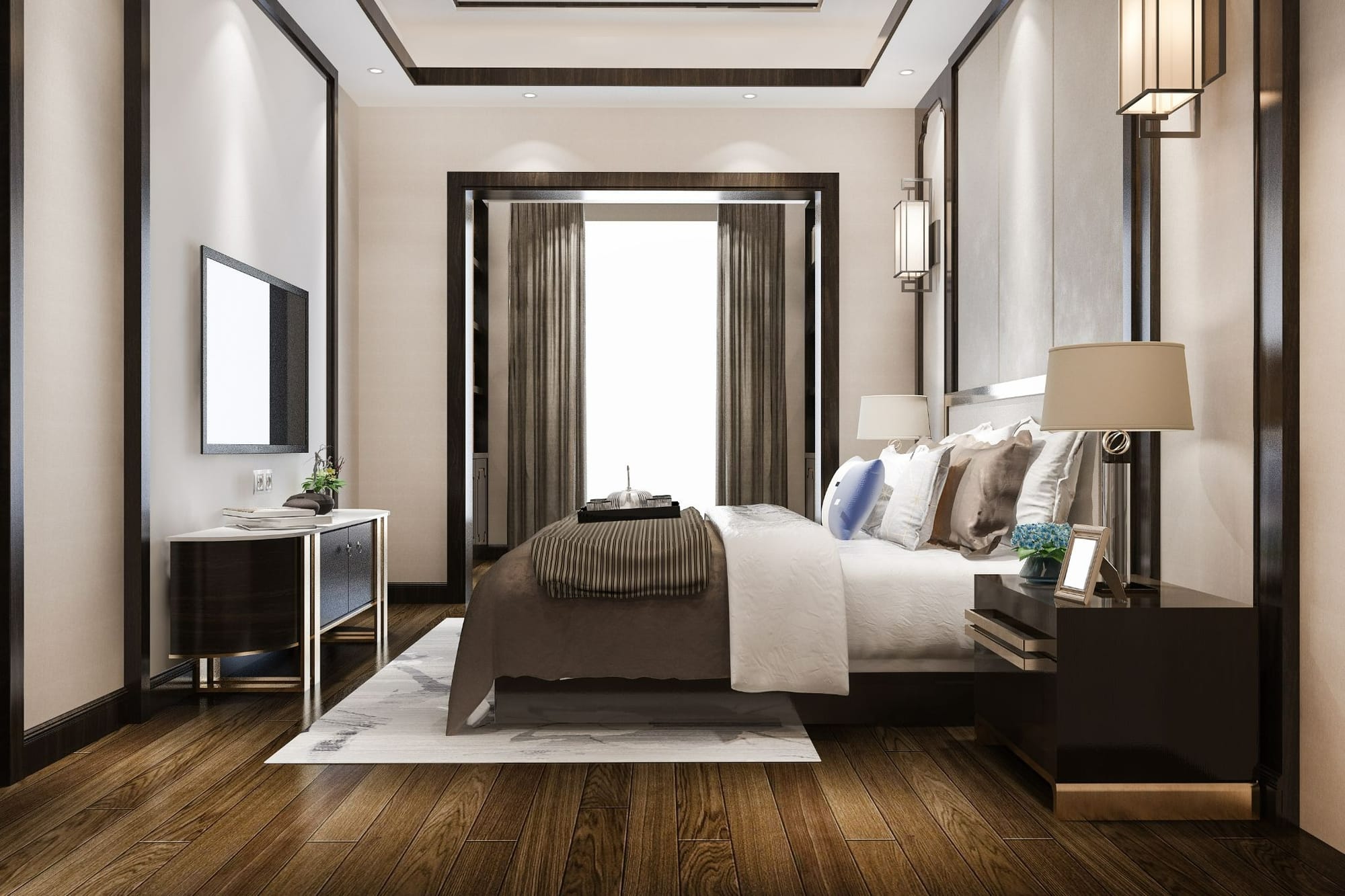
Empty bedrooms read smallest, because there's nothing to signal how a queen or king bed would actually fit.
What to add: a bed sized appropriately to the room, a nightstand or two, and simple bedding in a light, neutral tone that reflects light.
What to skip: overdressing the bed with throw pillows, or adding a full bedroom set in a room under 150 square feet. Buyers need to see floor space, not furniture density.
Practical takeaway: Stage a primary bedroom as a primary. For secondary bedrooms, a smaller bed or a desk setup helps buyers see flexible use as an office or guest room.
Bathrooms: Less Staging, More Cleanup
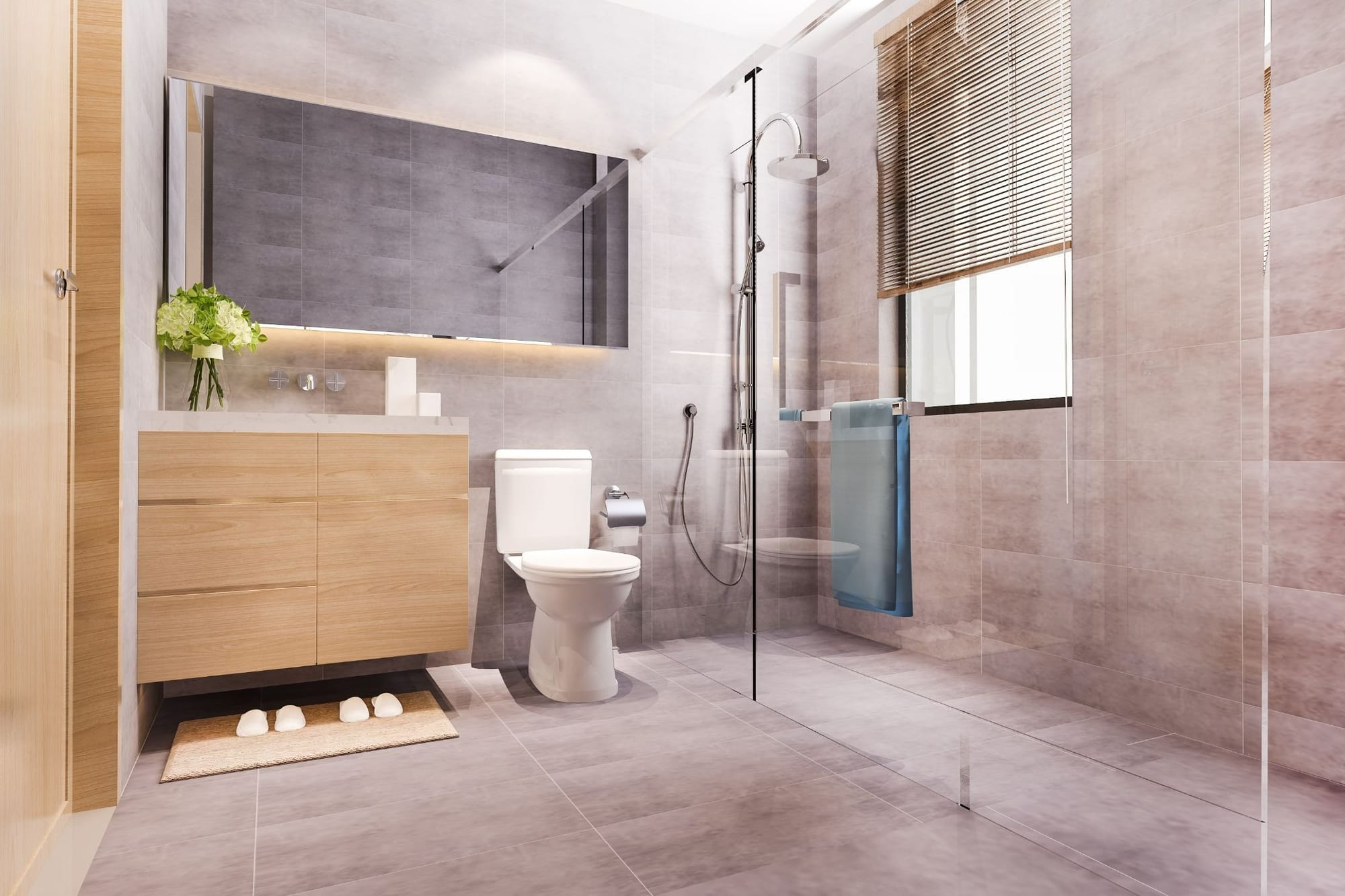
Most bathrooms don't need furniture; they need to look bright, clean, and current.
What to add: fresh-looking towels, and a brightness or color correction if the lighting is dim or yellow-toned.
What to skip: furniture staging entirely, unless it's a primary suite with a soaking tub and enough floor space for a bench.
Practical takeaway: Bathrooms sell on cleanliness and light more than styling. Save your staging effort for other rooms and let a quick photo edit handle brightness here.
Dining Room and Home Office: Show Buyers What the Space Could Be
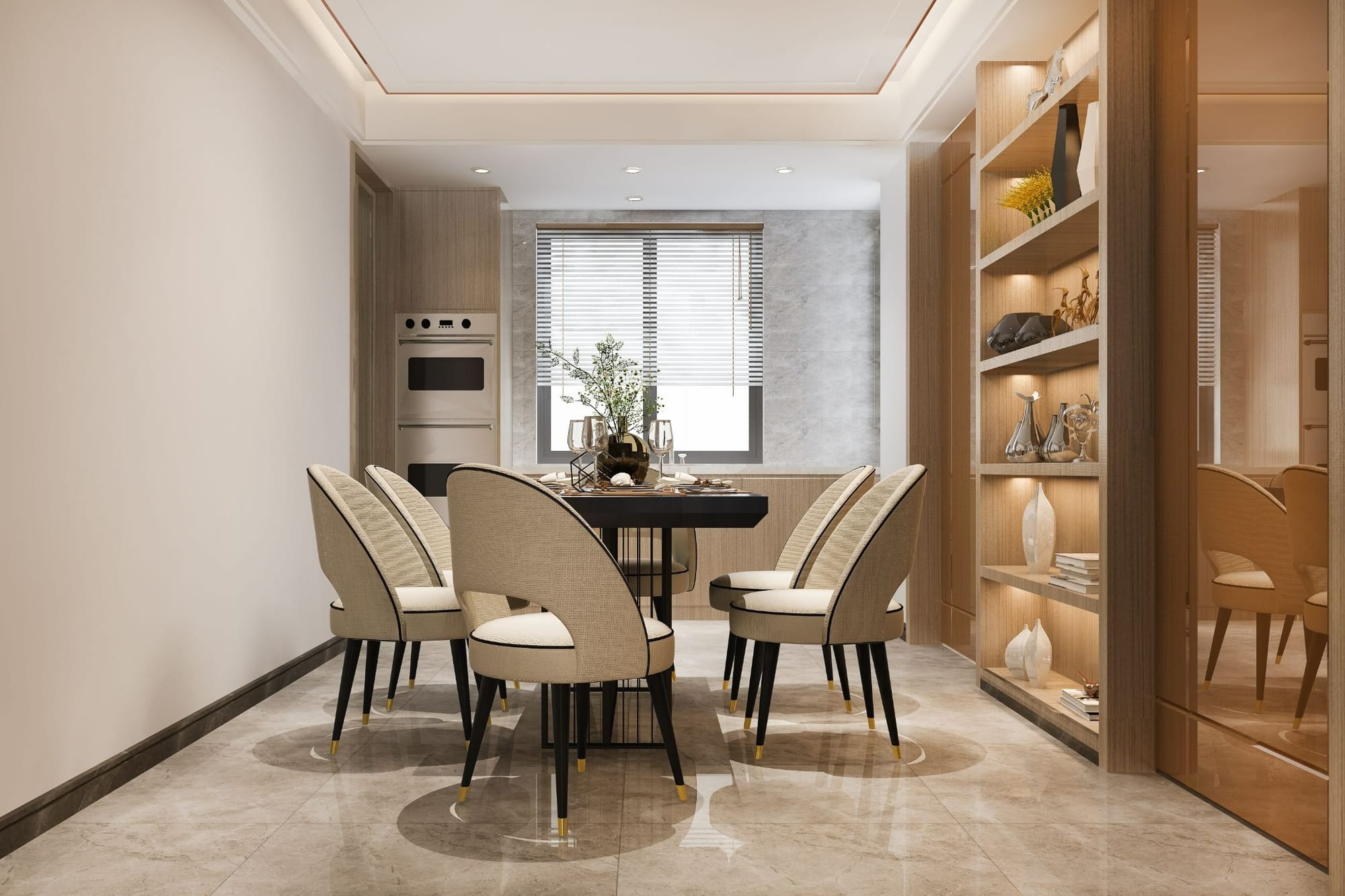
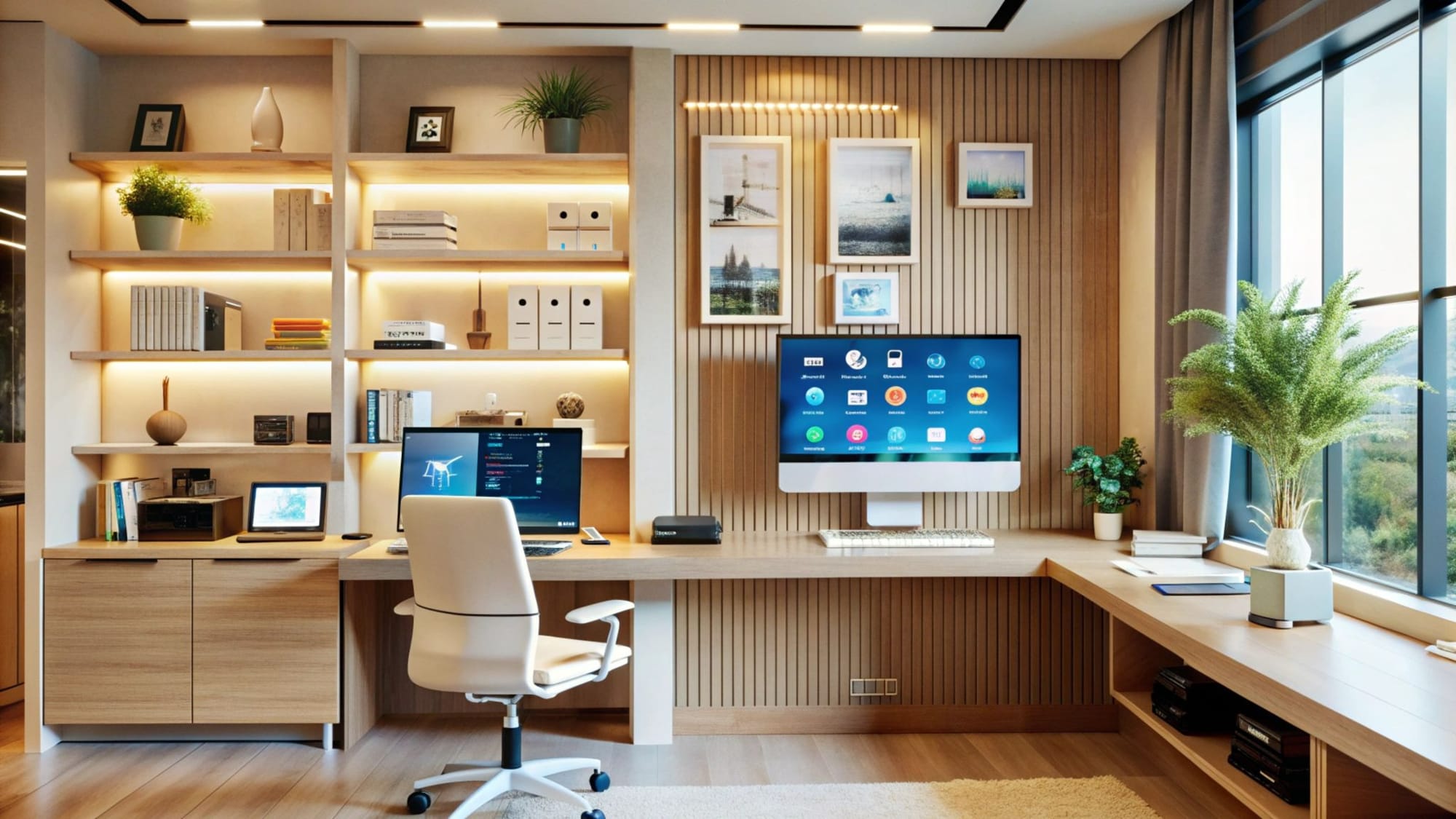
Flex spaces are where vacant homes lose buyers fastest; an empty room with no obvious purpose reads as wasted square footage.
What to add: for a dining room, a table with four to six chairs; for a flex room, a desk-and-chair setup, or a second version showing it as a guest bedroom.
What to skip: staging a room as strictly one thing when the floor plan supports two. Some agents stage ambiguous rooms two ways to see what resonates with buyers.
Practical takeaway: Ambiguous rooms are an opportunity; virtual staging lets you show a room's potential twice for the cost of staging it once.
Common Mistakes That Make Virtual Staging Look Fake
Now that you know how to virtually stage a vacant home, you should avoid these common mistakes:
- Furniture that ignores the room's light source. Wrong-direction shadows are the fastest way to spot fake staging.
- Overfurnishing. More furniture doesn't equal luxury; it equals less visible floor space.
- Staging every room identically. A bedroom styled like a living room confuses buyers about function.
- Skipping MLS disclosure. Most MLSs require a "virtually staged" label on digitally staged photos.
How to Virtually Stage a Vacant Home With AutoReel
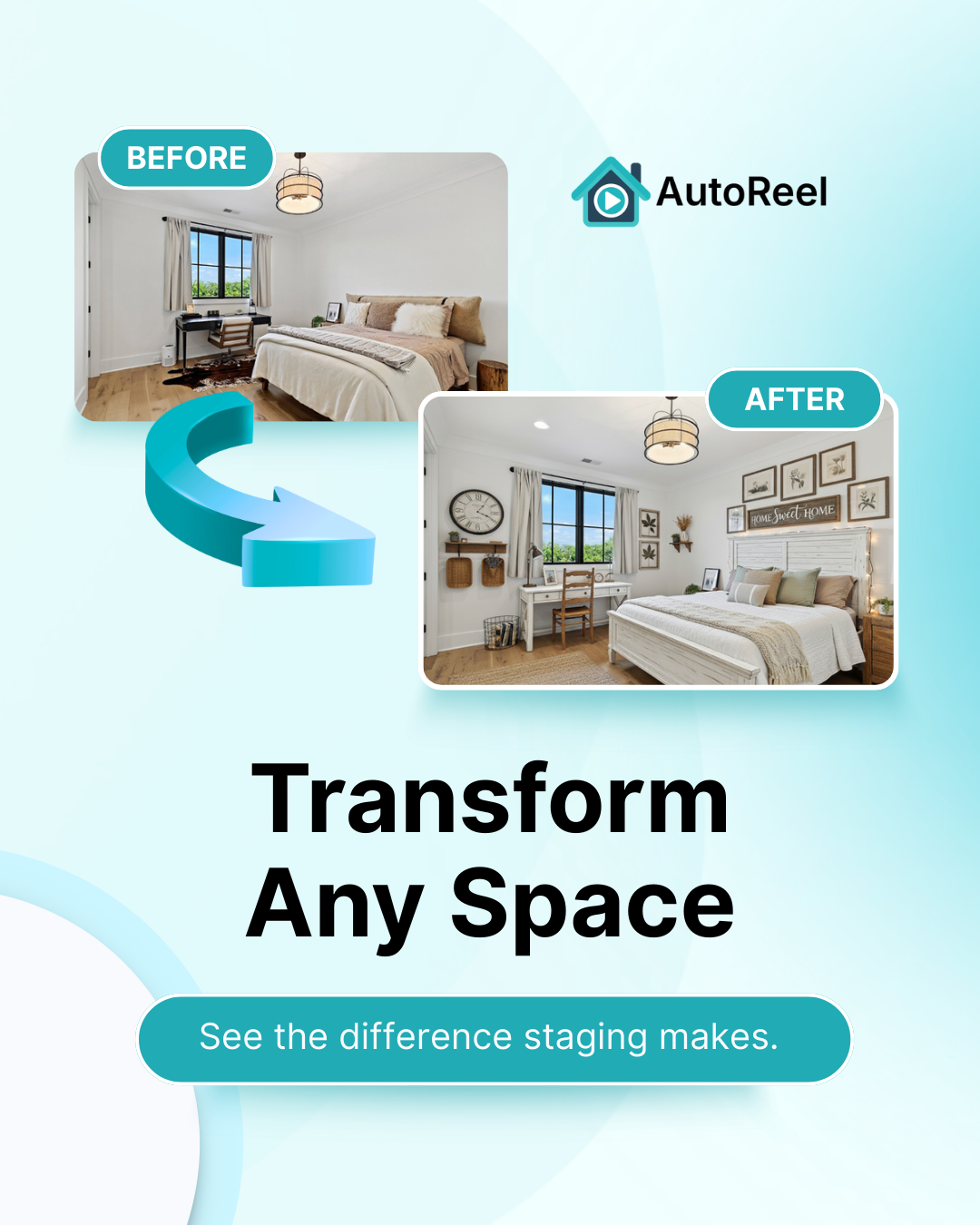
Included on every plan, no per-photo fees: Some competitors charge up to $49/month just for staging credits, on top of an existing plan.
AutoReel's AI Virtual Staging is included on every plan, with no separate staging subscription and no per-photo pricing; staging is already covered by the plan you're paying for.
Virtual staging and AI photo edits are included on every AutoReel paid plan, but each plan has its own yearly cap:
- Essential includes 125/year
- Growth includes 800/year
- Pro includes 2,000/year
If you're staging a large vacant property or several listings a month, it's worth checking your plan's limit on the AutoReel pricing page before you start uploading rooms. If credits run out, extra credits can be purchased at a small additional cost, so a busy month doesn't stall a listing.
Seconds, not days: AutoReel lets you upload a photo, pick a design style, and the staged version is ready in seconds; no scheduling a physical stager and no waiting on furniture delivery. A listing can be market-ready before you finish your coffee.
Stage it, then video it: AutoReel is the only platform that lets you virtually stage a listing photo and instantly turn it into a property video in the same workflow. Photo to Video turns each staged room into a short clip, with AI voiceover and captions added in AutoReel Studio; one subscription instead of a stager, an editor, and a videographer.
Plans start at $30/month billed annually (or $59/month billed monthly) — check current details on the AutoReel pricing page.
The Bottom Line
Virtually staging a vacant home works room by room — each space has different rules for what to add, what to skip, and how much is too much. Get the source photo right, stage toward your buyer pool, and use a platform built for the full listing workflow so staging and video come from one subscription instead of three vendors.
If you're staging a vacant listing this week, AutoReel's virtual staging tool can furnish your first room before you finish reading the FAQs below.
FAQs
Does virtual staging work on any empty room, or only certain ones?
It works best on rooms with clear structural features: doorways, windows, outlets; that give the AI reference points for scale. Oddly shaped or heavily shadowed rooms are harder to stage convincingly.
Do I need to disclose virtually staged photos to buyers?
Most MLSs require a disclosure or label on virtually staged photos. Check your specific MLS's rules before listing, since requirements vary by region.
How long does it take to virtually stage a whole vacant house?
Each room processes in seconds to minutes once uploaded — a full house of eight to ten rooms can be staged in under an hour, versus days for physical staging delivery and pickup.
Is virtual staging cheaper than physical staging for a vacant listing?
Yes, substantially. Physical staging often runs into the thousands per month in furniture rental plus logistics, while virtual staging is typically included in a platform's existing plan cost.
Can I virtually stage a room two different ways to test which sells better?
Yes, common for flex rooms like offices or guest bedrooms, where the use isn't obvious from the empty photo. Staging it two ways is a low-cost way to see what resonates with buyers.
Will virtual staging make my listing photos look fake to buyers?
Not if the source photo is well-lit, shot straight, and the staging matches the room's actual light and scale. Overfurnishing and ignoring shadows are the most common giveaways.
Sources
https://www.nar.realtor/research-and-statistics/research-reports/profile-of-home-staging