Realtor CRM Tools: What Agents Actually Need in 2026

Summarize with AI


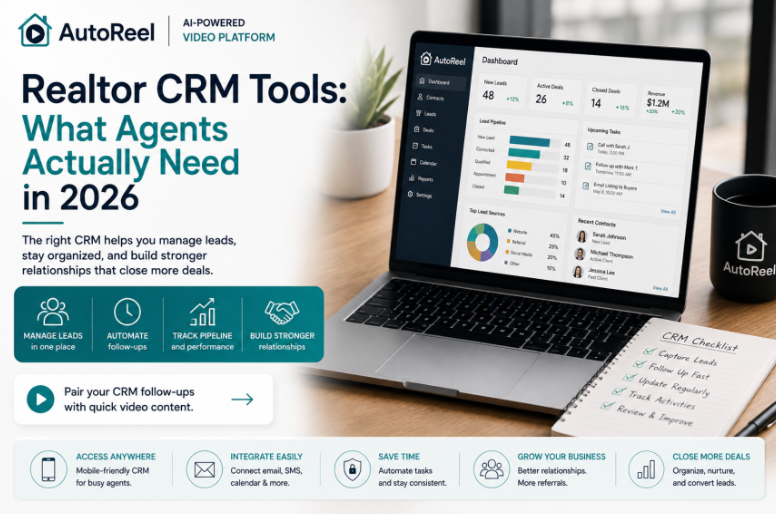
Key Takeaways
A CRM isn't optional once a pipeline grows past memory and spreadsheets, so here's what actually matters when choosing one.
- A realtor CRM centralizes contacts and tracks three essentials: who a contact is, what stage they're at, and when they were last touched.
- Speed to first contact drives conversion more than almost any other factor, making instant lead notifications one of the most valuable features to prioritize.
- The best CRM isn't the most feature-rich one, it's the one an agent will actually open daily and trust enough to build follow-up habits around.
- Integration matters as much as core features, connecting lead sources, email and calendar, and marketing content so nothing requires duplicate manual entry.
- A CRM manages who to contact and when, but the follow-up content, like a fresh listing video or check-in clip, still has to earn attention on its own.
Realtor CRM tools have quietly become the backbone of every serious agent's business, not because software replaces relationships, but because relationships fall apart without a system tracking them. A great agent with 300 contacts and no CRM is one bad week away from losing half their pipeline to memory.
The best CRM for realtors isn't necessarily the one with the most features. It's the one an agent will actually open every day, log calls into, and trust enough to build their follow-up habits around.
This AutoReel property marketing guide breaks down what a real estate CRM actually needs to do in 2026, the features worth prioritizing, and where CRM integration with other tools, including video marketing, fits into the picture.
Pair your CRM follow-ups with quick video content.
What a Realtor CRM Actually Does
A realtor CRM tool centralizes every contact, past client, active lead, referral source, and sphere-of-influence contact, so an agent isn't relying on memory, spreadsheets, or scattered text threads to manage relationships.
At its core, a CRM tracks three things: who a contact is, what stage they're at, and when they were last touched. Real estate CRM features built around these basics matter more than flashy add-ons an agent will rarely use.
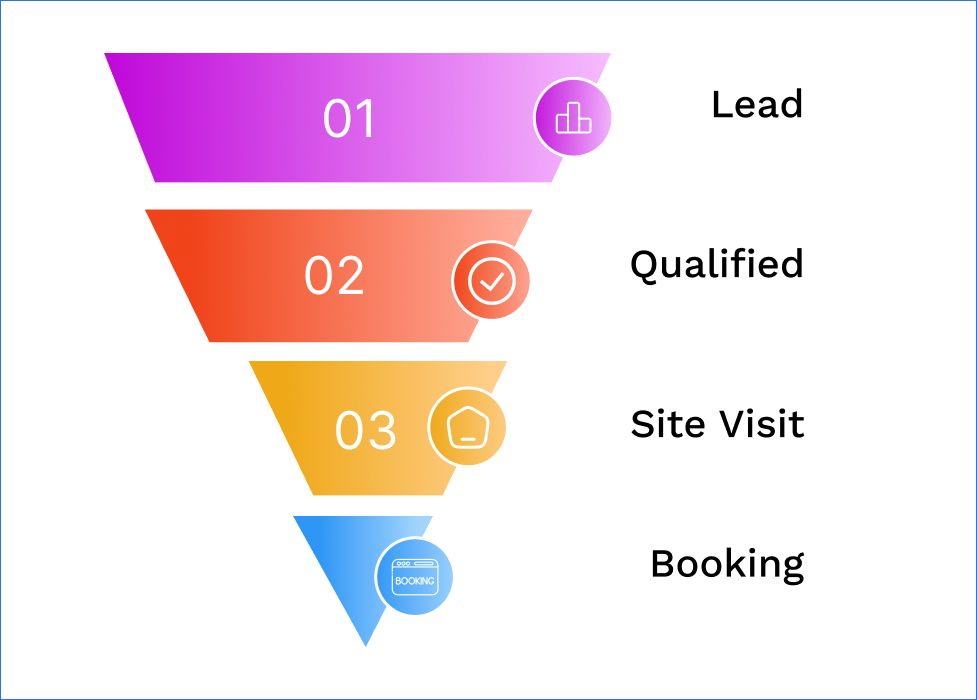
Lead management is the most immediate use case. New inquiries from a website form, a listing portal, or a referral all need to land somewhere trackable, get assigned a follow-up date, and move through a pipeline instead of sitting in an inbox until they go cold.
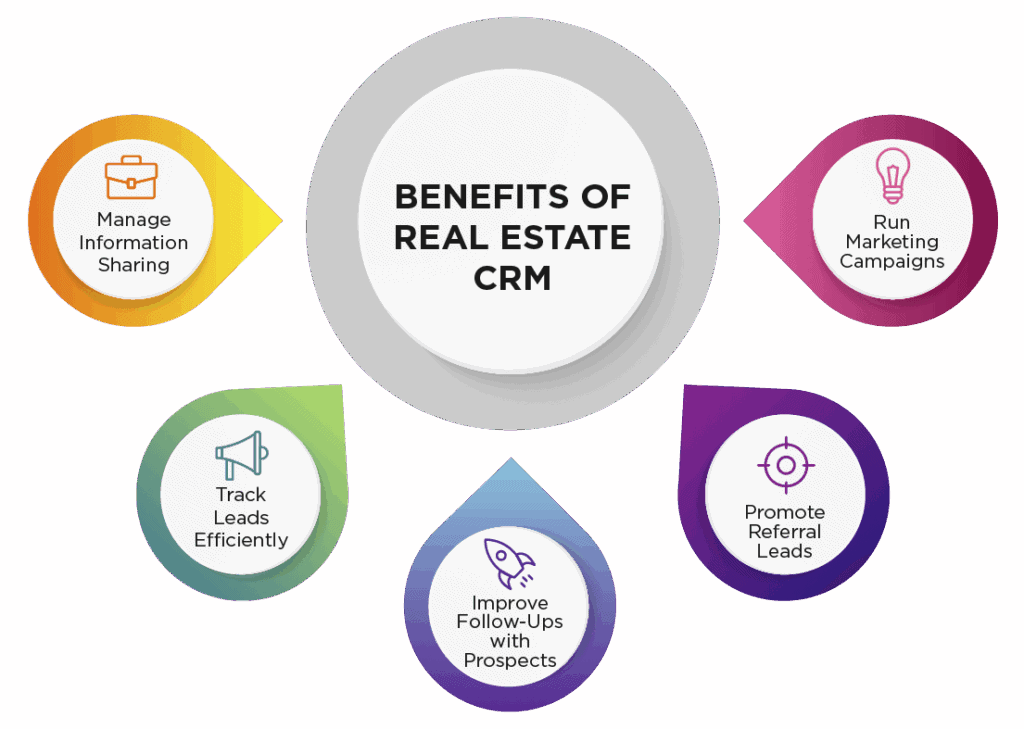
Beyond leads, a CRM should support long-term relationship marketing: automated reminders for home anniversaries, birthday touchpoints, and past client check-ins that keep an agent's sphere of influence warm without manual tracking.
Core functions every realtor CRM should handle:
- Centralized contact database across leads, clients, and referral sources.
- Automated follow-up reminders based on contact stage and last touch.
- Pipeline tracking from initial inquiry through closing.
- Segmentation for targeted marketing, past clients versus active leads.
- Reporting on response times and conversion rates by lead source.
How to Choose the Best CRM for Realtors
Choosing the best CRM for realtors starts with being honest about how the CRM will actually get used. A powerful system an agent finds confusing gets abandoned within weeks, while a simpler tool used consistently outperforms it every time.
Solo agents typically need less complexity than team leads or brokerages. A single agent managing their own pipeline benefits from a clean interface and strong automation, while a team needs role-based permissions, shared lead routing, and reporting across multiple agents.
Mobile access matters more than agents often expect during the shopping process. Most follow-ups happen between showings, in a car, or right after a call, and a CRM that's clunky on mobile quietly loses that window every time.
Integration capability should factor into the decision early, not as an afterthought. A CRM that connects cleanly with a website, listing syndication, email, and marketing tools saves significant manual data entry over time compared to one that operates in isolation.
Factors to weigh when choosing a CRM:
- Team size and whether role-based permissions are needed.
- Mobile app quality, since most follow-ups happen away from a desk.
- Integration options with your website, email, and marketing tools.
- Learning curve relative to how consistently your team will actually use it.
Realtor Lead Management Tools Worth Prioritizing
Realtor lead management tools separate strong CRMs from average ones, since lead handling quality directly affects conversion rates more than almost any other feature set.
- Instant new inquiry notifications. Speed to first contact is the single biggest factor in lead conversion. A system that pushes a text or push notification the moment a lead comes in beats one that surfaces leads only through an inbox agents check occasionally.
- Lead scoring by readiness to transact. Ranking contacts by likely urgency helps agents prioritize a large pipeline, since a browsing lead and a motivated one shouldn't get the same follow-up cadence.
- Automated drip campaigns for long-term nurture. A lead six months from moving still needs consistent touchpoints, and manual follow-up at that scale isn't realistic for agents juggling active transactions.
- Source tracking across every channel. Knowing whether a lead came from a website form, a listing portal, or a referral shows agents which channels actually convert and deserve more investment.
- Duplicate detection and merging. Leads entering through multiple channels shouldn't create fragmented, duplicate records that confuse follow-up history.
- Task assignment for teams. Larger teams need leads routed to the right agent automatically, based on territory, language, or availability, rather than sitting in a shared queue.
- Response time reporting. Tracking how quickly leads get a first response helps agents and team leads identify where follow-up is slipping before it costs a closing.
Popular Real Estate CRM Options: A Quick Comparison
Every real estate CRM comparison should weigh ease of use against feature depth, since the most feature-rich option isn't always the best fit for a solo agent versus a large team. Here's how well-known platforms typically position themselves by category.
Feature sets and pricing shift often in this category, so agents should confirm current plans directly on each provider's website before deciding.
Add fast video content to your lead follow-up process.
CRM Integration Real Estate Agents Should Look For
CRM integration real estate agents rely on most often connects three areas: lead sources, communication tools, and marketing content. A CRM that operates as an isolated database creates more manual work than it saves.
Website and listing portal integration matters first, since new leads should flow directly into the CRM without an agent manually re-entering contact details from a form submission or a portal notification email.
Email and calendar integration removes a second layer of manual work, syncing follow-up tasks and appointments so an agent isn't managing two separate systems that don't talk to each other.
Marketing tool integration is increasingly relevant as agents rely more on video and social content to stay visible with leads and past clients. A CRM that can trigger a follow-up reminder tied to a market update or a check-in video keeps outreach consistent without requiring a separate manual step every time.
Transaction management integration closes the loop, connecting a CRM to e-signature and document platforms so a lead's full journey, from first inquiry to closed transaction, lives in one system instead of scattered across separate tools.
Integration types worth prioritizing:
- Website and listing portal integration for automatic lead capture.
- Email and calendar sync to reduce duplicate manual scheduling.
- Marketing and content tools that support follow-up campaigns.
- Transaction management integration for a complete client journey.
Signs You've Outgrown Your Current CRM
- Leads sit unassigned for hours because notifications aren't instant.
- You're manually re-entering contacts from your website or listing portal.
- Your team has no visibility into who's following up with whom.
- Reporting on lead source or conversion rate isn't possible without a spreadsheet.
- Marketing content and CRM campaigns live in completely disconnected tools.
Why AutoReel Complements Your CRM Instead of Competing With It
AutoReel isn't a CRM, and it isn't trying to be one. AutoReel is a top AI real estate video platform that handles a different part of an agent's workflow: turning listing photos into marketing videos that a CRM's follow-up sequences and campaigns can actually use.
A CRM tracks who to follow up with and when. AutoReel fills the content gap that follow-up, a fresh listing video, a market update clip, a check-in message, actually needs, using Photo to Video and AI Voiceovers to produce it quickly.
With 225,000+ videos created and a stellar 4.9 star rating from 370+ reviews, AutoReel is widely trusted by the real estate industry and used by real estate agents, photographers and media companies to produce high-quality content. Check AutoReel's pricing to find a plan that fits a new agent's budget.
Create video content for your next CRM campaign.
Conclusion
Realtor CRM tools matter less for their feature list and more for whether an agent actually uses them consistently. The right CRM centralizes leads, automates follow-up, and integrates cleanly with the other tools already in an agent's workflow.
Choose based on team size, mobile usability, and integration options, then pair that system with content that keeps your outreach worth opening. A CRM manages who to contact. What you send them still needs to earn attention.
Start creating video content for your CRM campaigns.
FAQs
Do realtors really need a CRM in 2026?
Yes. Managing leads, past clients, and referral sources without a centralized system becomes unmanageable as an agent's contact base grows.
What's the most important CRM feature for agents?
Fast lead notification and follow-up automation. Speed to first contact is the strongest predictor of whether a lead converts.
How much should a realtor CRM cost?
Pricing varies widely by provider and feature set. Always confirm current plans directly against each CRM's own pricing page.
Can I switch CRMs without losing my data?
Most CRMs support contact export and import, though switching requires planning to avoid losing follow-up history and campaign automation.
Do CRMs integrate with marketing tools like video platforms?
Many do, either through direct integration or by supporting content links within follow-up campaigns and email sequences.
Is a simple CRM enough for a solo agent?
Often, yes. Solo agents benefit more from consistent daily use of a simple system than from features they'll rarely touch.
Sources: https://www.nar.realtor/research-and-statistics/research-reports/quick-real-estate-statistics