Virtual Staging for Home Offices: Staging the Room Buyers Now Expect

Summarize with AI


Walk into any listing with a random spare bedroom and ask yourself: what's a buyer actually thinking when they see it? Probably not "guest room." They're thinking about Zoom calls, dual monitors, and whether they'd have to fight their kid for desk space.
Virtual staging home office rooms is how you answer that unspoken question before it turns into a pass on your listing. Got a spare bedroom, a bonus room, or an awkward nook currently doubling as a junk drawer? Stage it as an office with AI, and that skipped-over room becomes the reason someone books a showing.
This isn't a nice-to-have anymore. Remote and hybrid work has stuck around, and buyers are house-hunting with that reality baked in. A staged home office tells them, instantly, that this house already fits their actual life, no renovation, no guesswork, no "I guess the desk goes in the corner and I'll just deal with the glare."
Why Home Offices Became a Must-Have Listing Feature
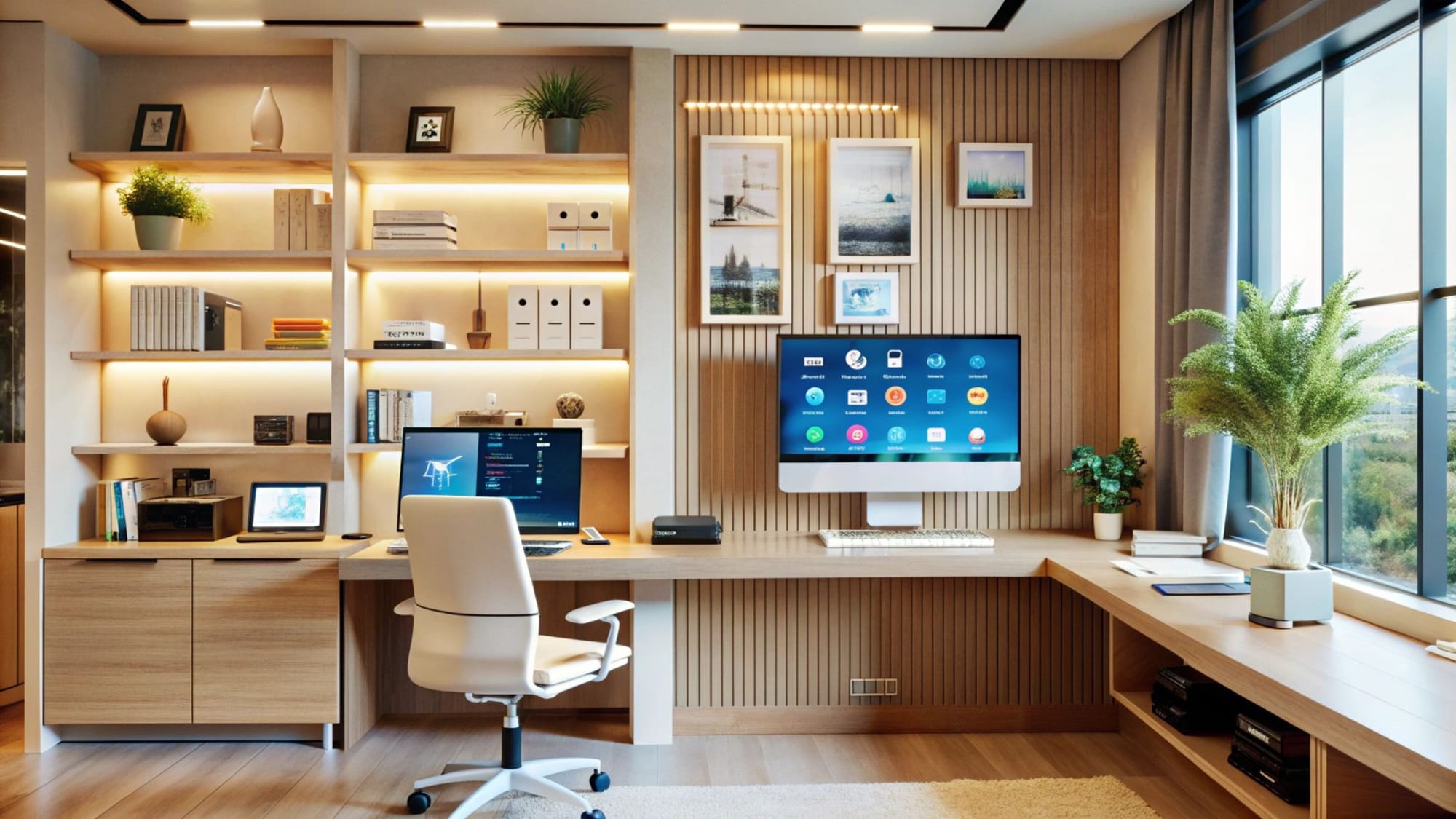
A few years ago, an empty spare room was photographed just fine as "flexible space." Buyers filled in the blanks themselves. Not anymore.
Now that same empty room reads as a red flag, and buyers scroll right past it. They're not picturing a guest bed in there; they're picturing their next Zoom background, and an empty room doesn't give them one.
That's not a trend, it's a permanent shift. A huge chunk of the workforce works remote or hybrid now, and it's not going away. Listing photography just hasn't caught up.
Most agents are still showing empty rooms, vague "flex space" captions, or, let's be honest, someone's Peloton and a pile of holiday decorations.
That gap is your opportunity. A clearly staged home office answers the exact question a huge slice of today's buyers are quietly asking.
What Is Virtual Staging for a Home Office?
Virtual staging for a home office is exactly what it sounds like: you digitally furnish an empty or awkward room: desk, chair, shelving, good light, maybe a plant; using AI instead of renting real furniture and hauling it up a flight of stairs.
The room's actual dimensions and light stay true to life. The only thing that changes is buyers now see it working, instead of sitting there empty and unloved.
With AutoReel's virtual staging tool, you upload a photo of the empty room and the AI drops in realistic, on-style furniture in minutes.
- No rental furniture.
- No moving crew.
- No waiting three weeks for a stylist to have an opening.
It's a two-for-one: you fill an obvious gap in your listing photos, and you speak directly to how today's work-from-home buyer is actually searching.
How to Turn a Spare Bedroom Into a Staged Home Office
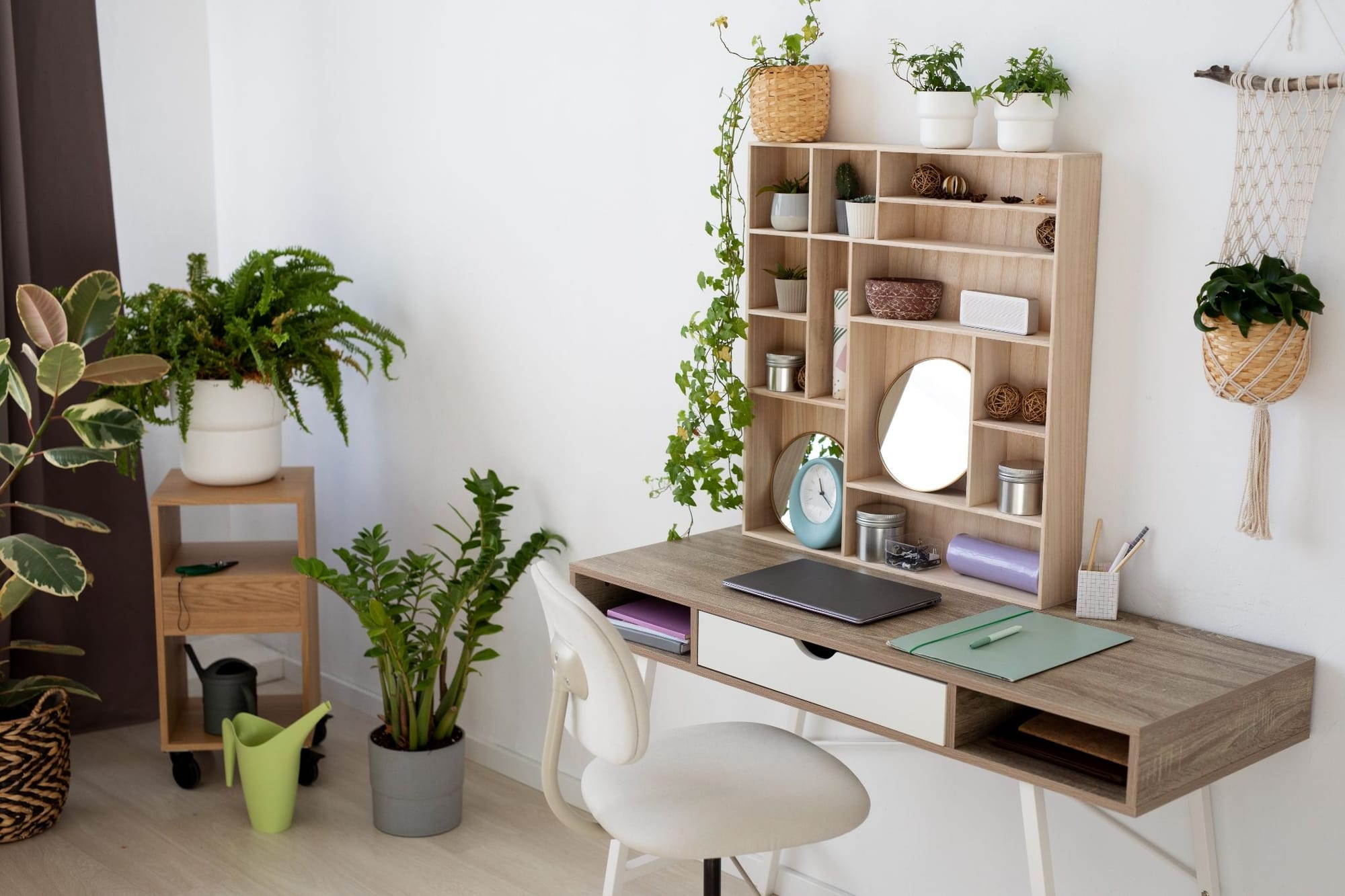
Staging a spare bedroom as an office is one of the highest-ROI moves you can make on a listing, and it's easier than most agents assume:
- Shoot the room empty, but clean: Clear out boxes, gym gear, anything screaming "junk room." Virtual staging software needs a clean canvas to work with.
- Pick a desk-and-chair layout that actually fits the room: Stage a tiny room with an oversized executive desk and it looks fake, and fake staging tanks buyer trust fast.
- Add one or two lifestyle touches, not ten: A desk lamp, a stack of books, a small plant. Enough to feel lived-in, not enough to feel cluttered.
- Don't block the window: Buyers are hunting for daylight in a workspace. Don't stage furniture that steals it.
- Match the style to the rest of the house: Coastal living room, industrial-loft office? That mismatch is more noticeable than you'd think, and it quietly chips away at trust in the whole listing.
Here's the best part: since staging happens after the shoot, you don't have to nail the layout in person. Generate a couple of furniture options from the same base photo and pick whichever one sells the room hardest.
What Buyers Look For in Home Office Listing Photos
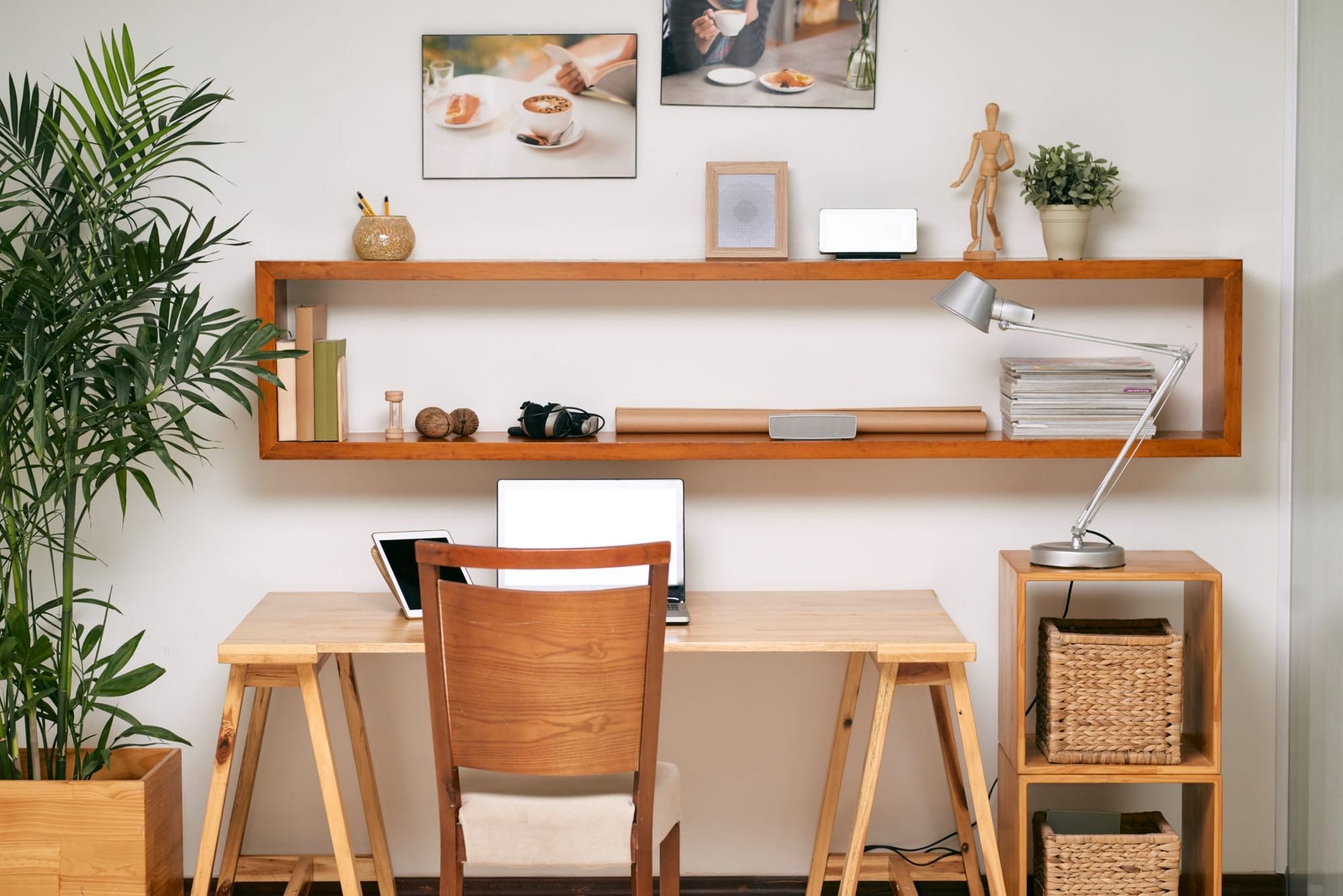
When buyers scan home office listing photos, they're not admiring your taste — they're running a mental checklist:
- A defined workspace, not a leftover corner: A desk against a wall says "this room has a job."
- Room for a second monitor: Plenty of remote workers run dual screens; a desk with visible width helps them picture it.
- A door, or at least separation: A home office that's clearly its own room, not a corner of the kitchen, wins over buyers who take calls for a living.
- Natural light: Long work sessions and video calls make daylight a bigger deal than it used to be.
- Storage: A shelf or credenza tells buyers they won't be tripping over file boxes on day one.
Nail these, and you're doing more than making a pretty photo; you're answering the buyer's real question before they even ask it.
Staging a Home Office for Different Buyer Types
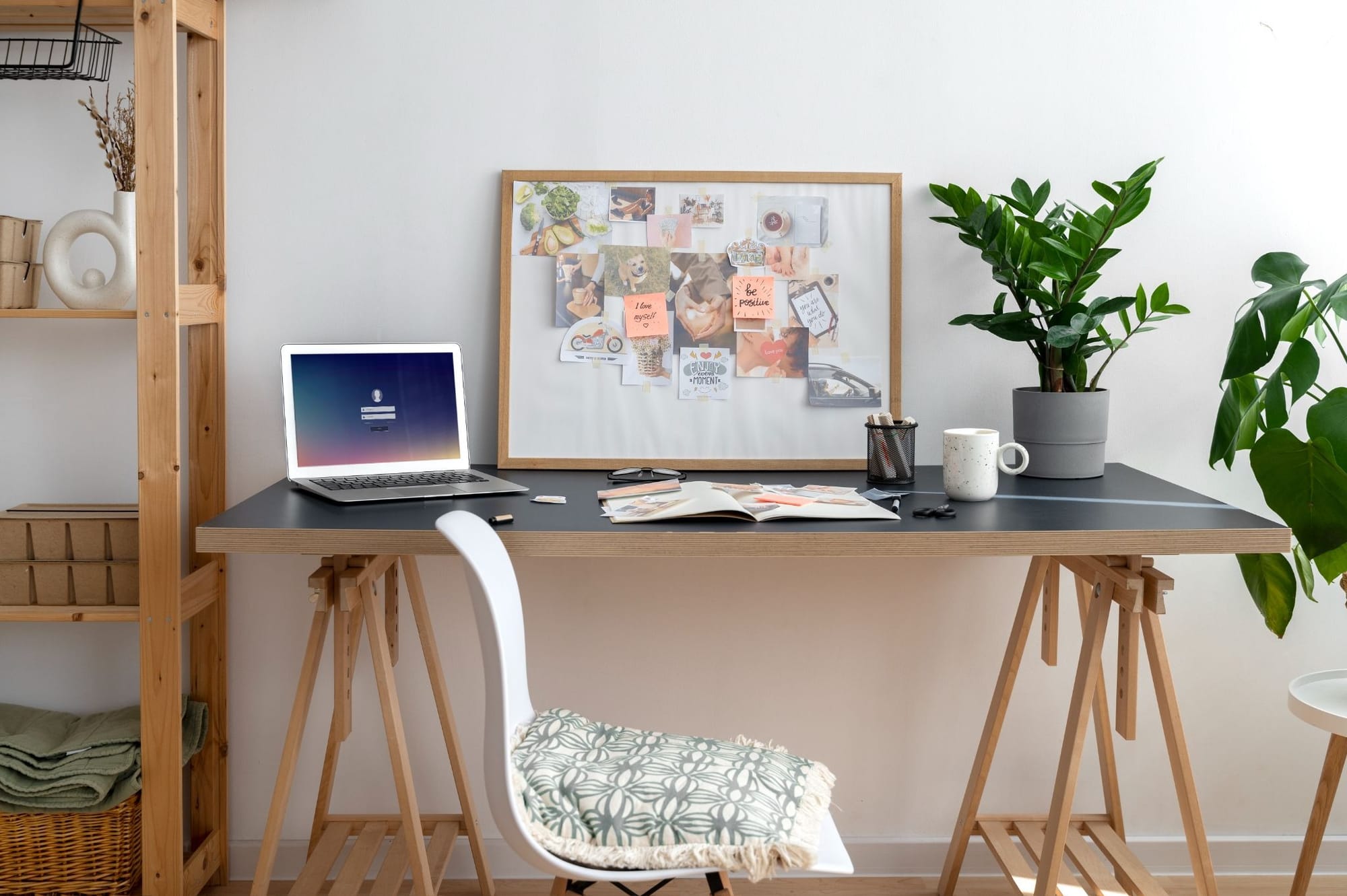
Not every remote worker wants the same setup, so staging for work-from-home buyers works best when you tailor it to who's actually going to walk through the door:
- Young professionals and first-time buyers respond to minimal and modern: clean lines, a single monitor, maybe a laptop stand.
- Families with a parent working from home tend to like a bit more setup, with storage for files, since the room's probably pulling double duty.
- Executives and senior buyers often want the traditional look, a real desk, a bookshelf, a chair that says "workstation," not "afterthought."
Match the staging to your likely buyer, instead of defaulting to the same desk-and-chair combo every time, and the room feels custom-built instead of generic.
Common Mistakes to Avoid When Staging a Home Office
A handful of staging choices quietly undercut what should be a slam-dunk selling point:
- Overfurnishing a small room: Cram a desk, bookshelf, and reading chair into a 9x10 space and it looks smaller, not bigger.
- Blocking the light: Stage a desk with its back to the window and you've fought the room instead of working with it.
- Clashing styles: Consistency across rooms matters more than any single photo looking good on its own.
- Skipping the office altogether: An empty spare room, shot as-is, is a missed shot in a market where this exact room gets searched for by name.
- Over-theming it: Stage a home office to look like a podcast studio or a gaming rig and you've narrowed your buyer pool instead of widening it.
How AutoReel Makes Home Office Staging Fast
This is the exact workflow AutoReel was built for.
- Upload a photo of the empty spare room.
- AutoReel's AI virtual staging tool furnishes it with a realistic desk setup in minutes.
- No rental furniture
- No stylist
- No reshoot.
AutoReel plans come with a monthly allowance of virtual staging edits built right in, so staging a home office doesn't cost you extra on top of your normal photo and video workflow.
Have a busy month and blow through that allowance? Additional staging credits are available at a low added cost, so you're never stuck waiting around for next month's reset to finish a listing.
Once the room's staged, that same photo set can flow straight into an AutoReel property video with Photo to Video, so your newly staged office shows up as a clip in the full listing tour, not just a lonely still photo. For agents running multiple listings at once, that speed adds up: staging that used to eat days of stylist scheduling now takes about as long as an upload.
The Bottom Line
Home offices stopped being a bonus room a while ago, they're on the checklist now, whether buyers say it out loud or not. Staging a spare bedroom as an office, physically or virtually, closes the gap between what your photos show and what today's buyer is actually shopping for.
Virtual staging makes closing that gap fast and cheap, no scheduling headaches attached. Got an empty room sitting unstaged in your next listing? That's the quickest fix on your list, try it with AutoReel's virtual staging tool.
FAQs
Does virtual staging a home office count as an accurate representation of the listing?
Yes, as long as it's disclosed as virtually staged, which is standard practice and typically required under MLS guidelines. The room's real dimensions and light stay true; only the furniture is digital.
What's the best way to stage a small spare bedroom as a home office?
Keep it minimal: one desk, one chair, light shelving. A crowded staging job in a small room makes it look even smaller, which works against you, not for you.
Do I need professional photos before virtual staging a home office?
You need clean, well-lit shots of the empty room, but they don't have to come from a pro shoot. A clear, decluttered photo from a good camera or phone is a fine starting point for AI virtual staging.
How many home office staging options should I generate per listing?
Two or three layout variations is usually plenty to find the one that fits the room's proportions and light best, without burning time comparing endless versions.
Can I stage a home office in a room that already has furniture in it?
It works best on empty or decluttered rooms. If there's a treadmill or storage boxes in the shot, clear them out first so the staging software has a clean surface to work with.
Is a staged home office worth it for every listing, or just work-from-home-focused buyers?
It's worth it for nearly every listing with a spare or flexible room. A large share of today's buyers work remotely or hybrid at least part of the week, even when it's not their top stated priority.
Sources https://www.nar.realtor/research-and-statistics/research-reports/profile-of-home-staging