Draw mode for photo edits
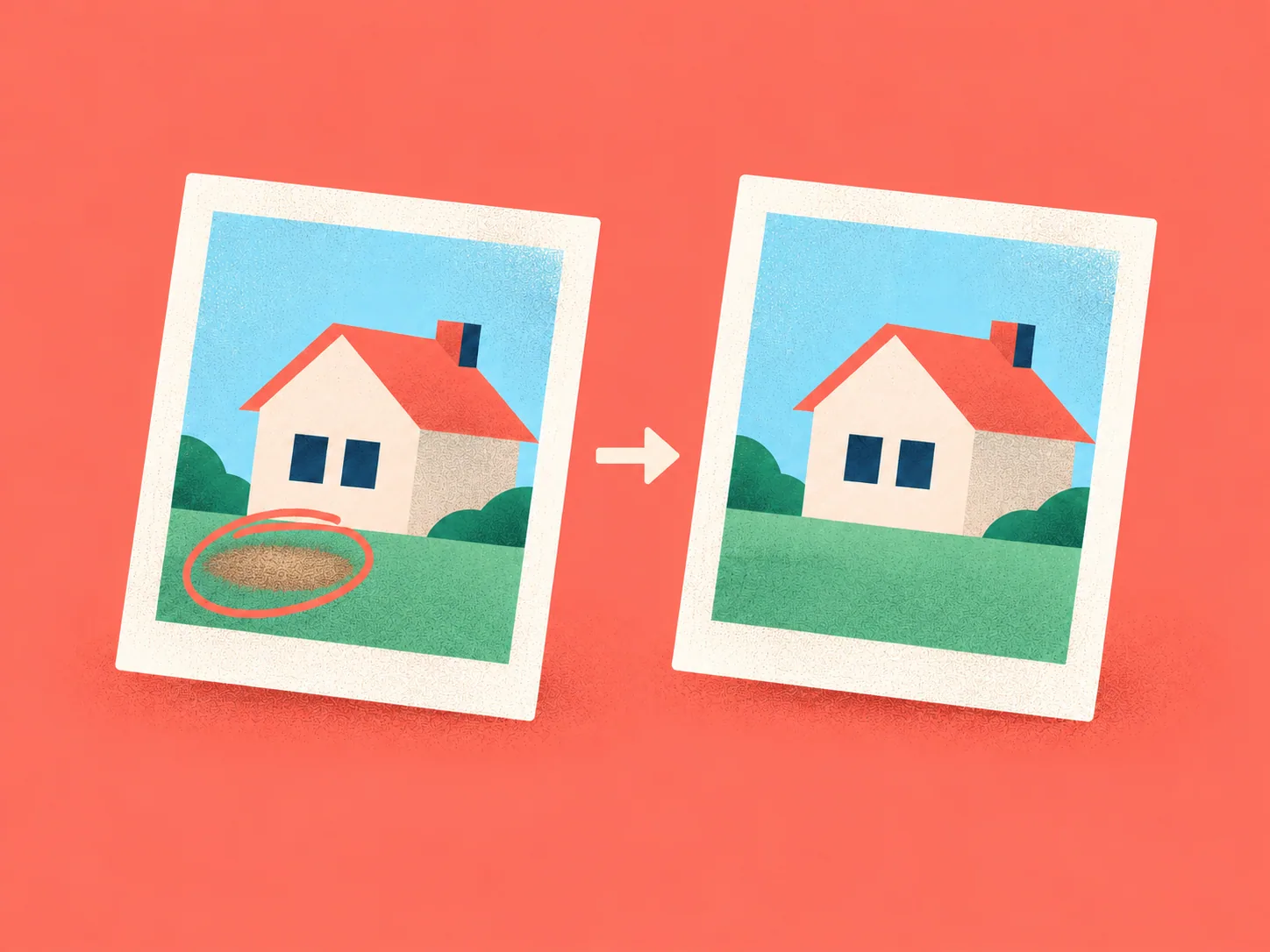
Circle the area of a photo you want to edit, then describe the change.
How to use it
- Click on any photo and toggle Draw mode near Custom edit
- Draw a circle around the area you want changed
- Describe the edit you want
Circle the area of a photo you want to edit, then describe the change.